It’s Monday morning, and the new promotion has just been approved. The offer is sharp, the creative is ready, and the marketing team is pleased with itself.
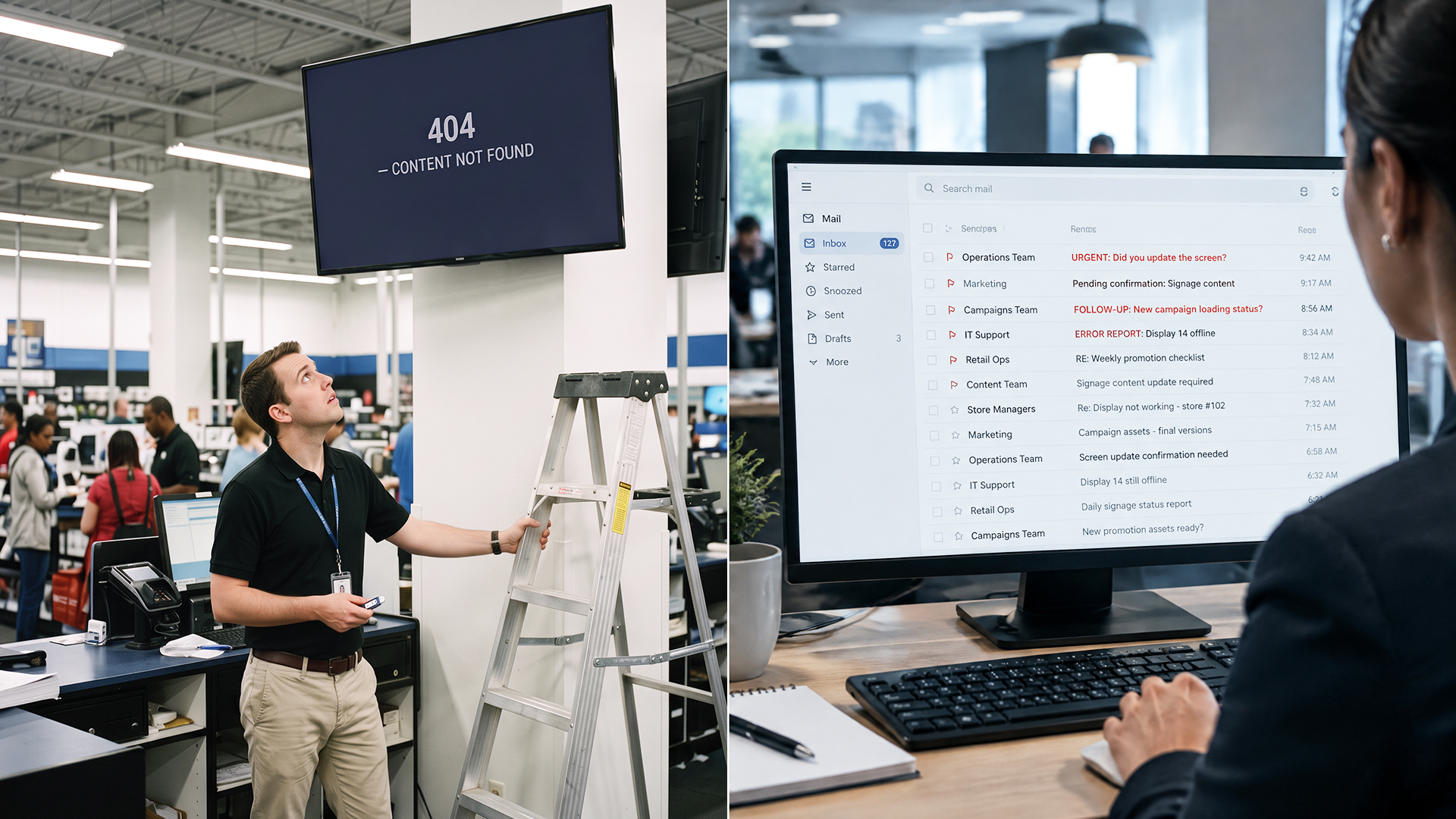
By Wednesday, three stores are still showing last week’s offer. One store loaded the right file on the wrong screen. Another is waiting for the manager, who is on leave until Thursday.
Nobody did anything wrong. This is just what happens when one campaign quietly turns into ten separate tasks.
If you run a business with more than a few locations, you probably know this feeling. Your digital signage should be the fastest way to tell customers what’s on offer. Instead, it often becomes the slowest part of the whole campaign.
In this post, we’ll explain why updating screens one store at a time breaks down as you grow, what it costs beyond the obvious, and what a smarter approach to digital signage looks like.
The Hidden Cost of Updating Screens One Store at a Time
Let’s stay with the ten-store example, because it’s small enough to feel manageable and big enough to show the problem.
Here’s how the process usually goes. Someone in head office finalizes the creative and emails the file to ten store managers. Each manager has to download it, find the right USB drive or login, and load it onto the screen. Then someone has to follow up with all ten to confirm it’s actually live. That’s ten emails, ten tasks, and ten follow-ups for one promotion.
It looks harmless on paper. In practice, it costs you in four ways.
Time: Every minute a store manager spends wrestling with a screen is a minute they aren’t spending with customers or their team. This isn’t in their job description, but it still lands on their desk. Multiply that by every campaign, every month, across every store.
Delays: Ten stores will never update at the same moment. One manager does it in five minutes. Another gets to it after lunch. A third sees the email on Thursday. Your promotion doesn’t start on Monday. It starts on Monday in some places, Wednesday in others, and Friday in one unlucky corner.
Errors: When files get passed around by hand, mistakes creep in. The wrong file gets loaded. The right file goes on the wrong screen. An offer that expired last week keeps playing because nobody remembered to take it down. These aren’t dramatic failures, which is exactly why they go unnoticed.
Dependence on people: In most stores, there’s one person who really knows how the screen works. When that person is on leave, or simply busy, the screen stays stale. Your marketing then depends on someone’s attendance record, which isn’t a great way to run a campaign.
No one’s fault. The process itself just wasn’t built for more than a handful of locations.
When Inconsistency Becomes a Brand Problem
A late update might feel like an internal headache, but customers see it too, and draw their own conclusions.
Picture a customer who saw your “20% off weekend” ad online on Saturday. On Monday, they walk into the nearest store, and the screen still shows that offer, even though the new one has started. Or worse, they visit a different branch the same day and see something completely different. Now they’re confused. Which offer is real? Will the staff honor it? Small moments like this chip away at trust.
It goes beyond offers, too.
Prices and promotions can clash: If two stores show two different deals at the same time, customers notice. They may not say anything, but they remember it.
Visuals drift: When each store handles its own content, things slowly change. Someone uses an older logo. Someone else adds a homemade slide with a different font. Over a year or two, your carefully built brand starts looking like ten slightly different brands.
Fine print gets missed: Many promotions come with terms, disclaimers, or pricing conditions that need to be visible. When you handle updates store by store, those details are easy to miss. In some industries, that’s more than a branding slip. It can become a compliance issue.
Your brand is basically a promise that every location will feel like the same business. Mismatched screens make that promise harder to keep.
Why This Gets Harder as You Grow
Ten stores is manageable. It’s annoying, but you can get through it with a good spreadsheet and a lot of reminders.
Fifty stores is a different story. So is a hundred.
The workload grows with every new location, but the team handling it usually doesn’t. The same two or three people who coped with ten stores are now chasing fifty. Follow-ups pile up. Things get missed. Eventually, someone just stops checking, and nobody knows which screens are current.
Timing makes it worse. The promotions that matter most are often the most time-sensitive: a festival sale, a flash offer that runs for one afternoon, a happy hour that starts at 5 p.m. sharp. These campaigns leave almost no room for delay. If the screen updates a day late, the offer has already passed.
That’s usually when businesses realize the old method didn’t just slow down. It stopped working.
What a Smarter Approach Looks Like
The fix isn’t working harder or hiring someone to send more emails. It’s changing where the control sits.
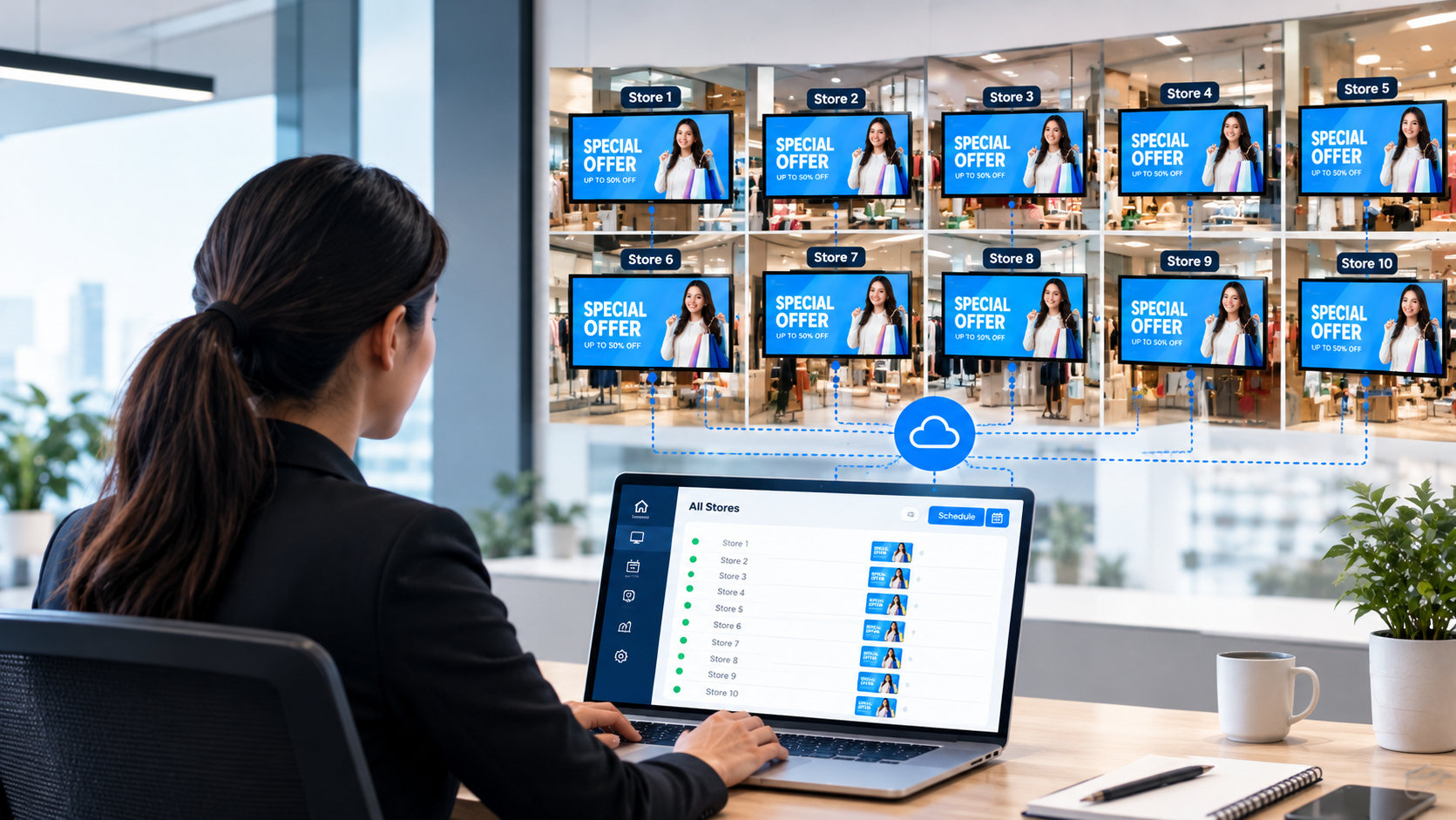
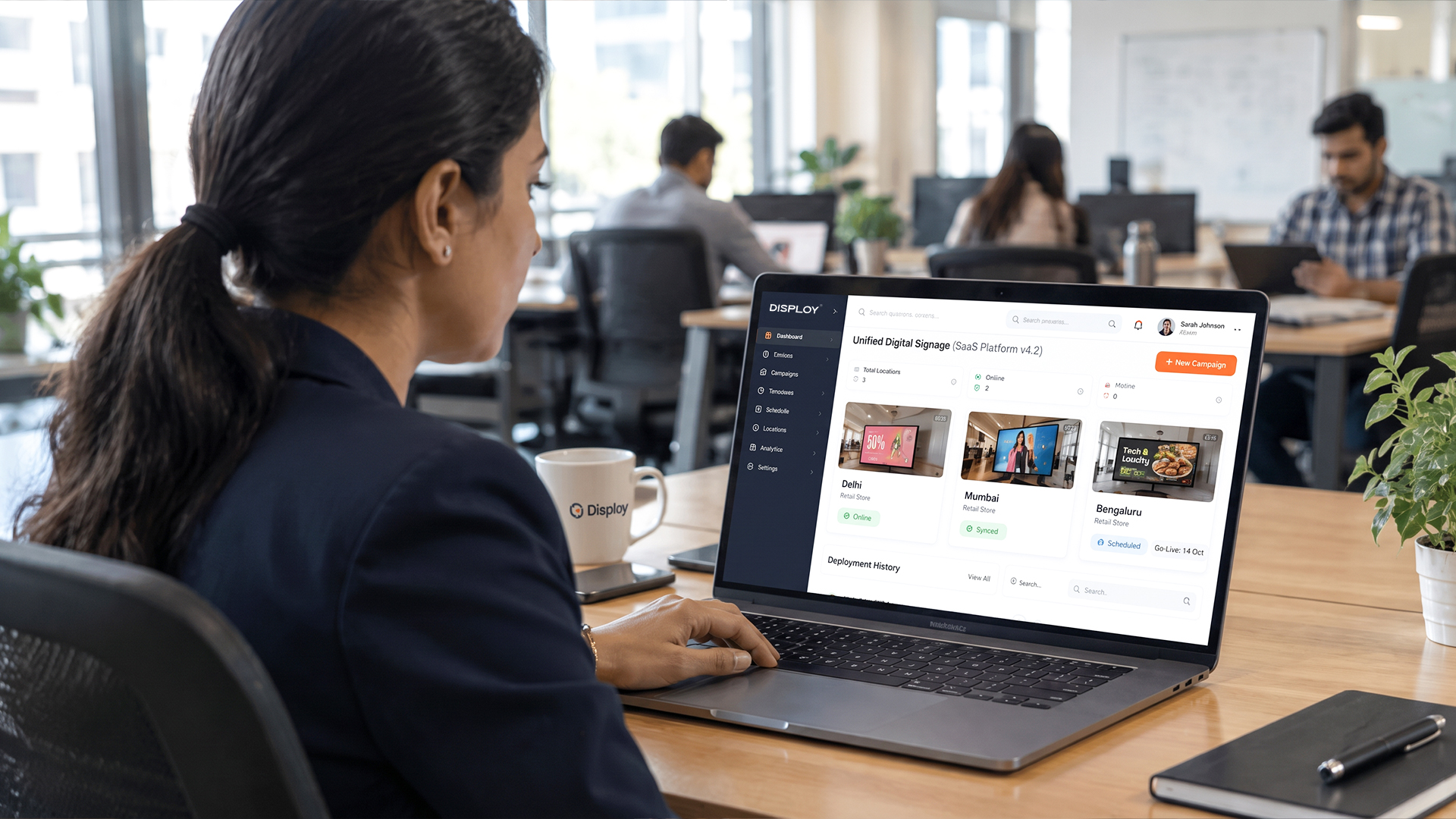
With cloud-based digital signage, your screens are connected through one central dashboard. Instead of sending files to ten stores, you log in once, upload your content, and decide where it should go. The screens pick it up on their own. Nobody has to visit a store, plug in a drive, or wait for a reply.
Here’s what that looks like in practice:
-
Upload once, publish anywhere: Add your content once and send it to every screen, or only to a selected group.
-
Schedule in advance. Prepare Monday’s promotion on Friday and set it to go live at a specific time. Set when it should end, too, so expired offers don’t linger.
-
Target by location or screen: Want a regional offer to run in one city only? Or a different menu on the screens near the checkout? You can send different content to different places without starting from scratch each time.
-
Update in real time: If a price changes or an offer needs to be pulled, you fix it from your desk. No store visits and no phone tag.
-
Monitor your screens: You can see which screens are online and working, so you don't find out about a blank display from a customer.
Before and After: One Promotion, Ten Stores
Here’s the same promotion, handled both ways.
|
|
The old way |
The smarter way |
|
Setup |
10 emails sent to 10 store managers |
1 upload to a central dashboard |
|
Scheduling |
Each store loads it when they can |
1 schedule, set in advance |
|
Launch |
Staggered over a few days |
Simultaneous across all stores |
|
Follow-up |
10 check-ins to confirm it’s live |
A live view of every screen |
|
If something’s wrong |
Chase each store to fix it |
Edit once, updated everywhere |
We won’t claim a specific number of hours saved here, because it depends on how many stores you have and how your team works today. But think about your last campaign. Count the emails, the reminders, and the “did you get to it yet?” messages. That’s the time you’d get back.
The bigger difference is peace of mind. With the old way, you hope the promotion went live everywhere. With the smarter way, you can actually see that it did.
Who Benefits Most
Any business with screens in more than one place can feel this problem. Some feel it more than others. Here’s what a “promotion” looks like across different industries:
-
Retail chains: Sale prices, seasonal offers, and new arrivals that must change the same day in every store.
-
Restaurants and food franchises: Menu specials, combo deals, and limited-time items that vary by outlet or time of day.
-
Banks: Interest rate updates, loan offers, and service notices that must be accurate and consistent across branches.
-
Healthcare groups: Appointment information, department directions, health camps, and patient notices.
-
Co-working spaces: Event schedules, community announcements, and meeting room information.
-
Education networks: Admission notices, timetable changes, exam dates, and campus announcements.
The offer looks different in each case, but the challenge is the same: getting the right message onto the right screen at the right time, without someone running around to make it happen.
What to Look For in a Multi-Location Signage Solution
Whether you choose Disploy or something else, here’s a simple checklist to keep in mind when you’re comparing multi-location digital signage options.
-
Cloud-based, with no on-site hardware to manage: If you need a technician at every location, you haven’t solved the problem. You’ve just moved it.
-
Easy enough for non-technical staff: The people updating your screens shouldn’t need software training. If it takes a manual to publish a slide, it won’t get used.
-
Scheduling and grouping features: You should be able to plan ahead and group screens by city, store type, or location.
-
Reliable offline playback: Internet connections drop. Your screens should keep playing content even when the connection drops.
-
Room to scale: Adding your eleventh store, or your fiftieth, shouldn’t mean starting over. The system should grow with you.
A quick test: ask any provider to show you how they’d run a single promotion across ten stores. If the answer is short and simple, you’re on the right track.
Conclusion
Let’s go back to that Monday morning. The promotion is approved, and the creative is ready.
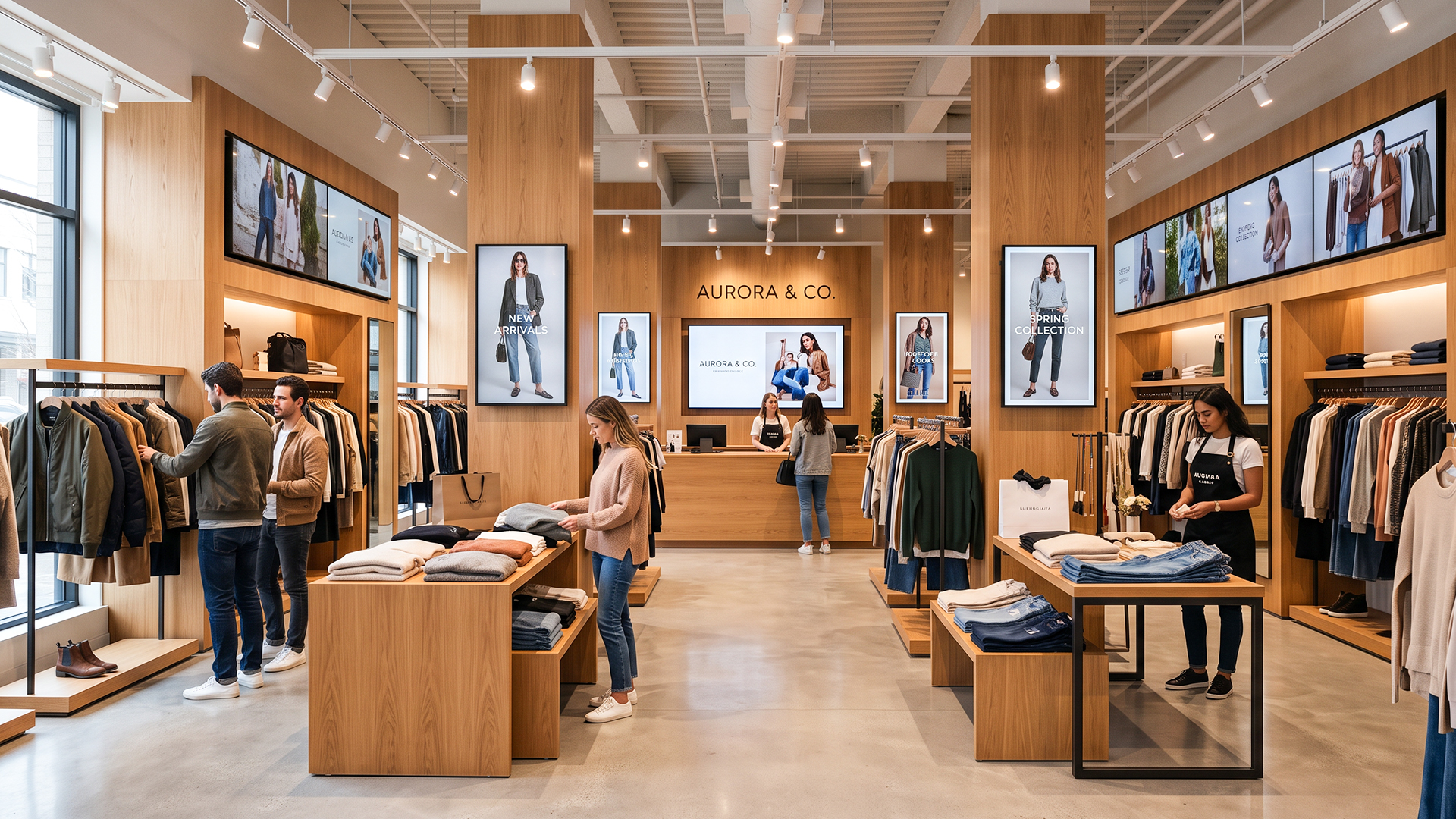
Now imagine that by 9 a.m., it’s live on every screen, in every store, at the same time. Nobody sent an email. Nobody is waiting on a manager. You can see exactly what’s playing and where.
That’s what a smarter approach to digital signage offers. Growth shouldn’t mean more manual work. Every new store you open should make your business stronger, not make your screens harder to manage.
If you’re still updating screens one store at a time, it might be worth asking how much longer that’s going to hold up.
Ready to see how it works? Book a demo or start a free trial with Disploy and run your next promotion from one dashboard.