
Physical retailers are facing competition not just from nearby stores but also from a variety of other sources. They're up against the convenience, customization, and availability that customers are used to with e-commerce. Online, a shopper can search for info about the product in seconds, read reviews, and get product recommendations. A store's job is to make the in-store experience feel equally relevant while retaining the benefits of going in-store: immediate access to products, human assistance, and the ability to see, touch, and try before purchase.
This is where digital signage for retail can come in handy. When set up in the right spot, well-placed screens can boost a store's flexibility, promote offers, explain product features, guide customers through the store, and keep the brand experience consistent throughout. They can add some of the "relevancy" of online merchandising to a physical store atmosphere, without inundating it with ads.
This guide introduces you to retail digital signage, why retailers use it, and how it can help drive revenue. It also includes a discussion of the retail signage trends that 2026 may bring, questions to ask when considering platforms, and a quick-start guide for Disploy.
What Is Digital Signage for Retail?
Retail digital signage refers to the use of screens (commercial displays, menu boards, kiosks, or shelf-edge screens) to present changing visual information within and around a retail outlet. This could be a product demonstration, a limited-time sale or promotion, a wayfinding guide, a brand story, or a QR code linking to a mobile experience.
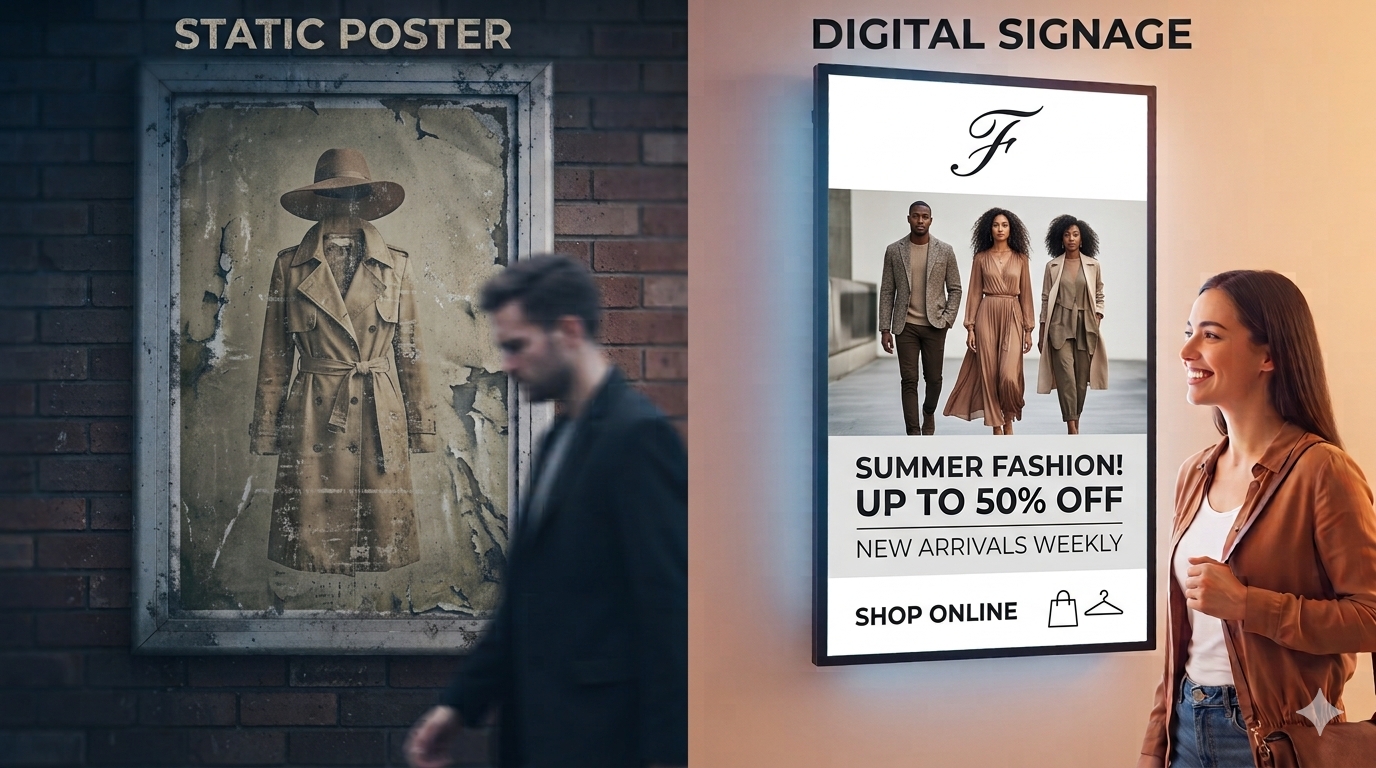
Typical signage includes printed posters, handwritten price cards, or preloaded media that must be updated at every location. Modern systems are based on a content management platform that allows scheduling and remote distribution of content. This typically allows you to modify a campaign by store, screen, day, time, or audience without printing a new batch of materials.
These on-store digital displays can be used for both customers and operations. They can market a product, describe a service, guide customers to a section, or remind them of a message they had seen online earlier.
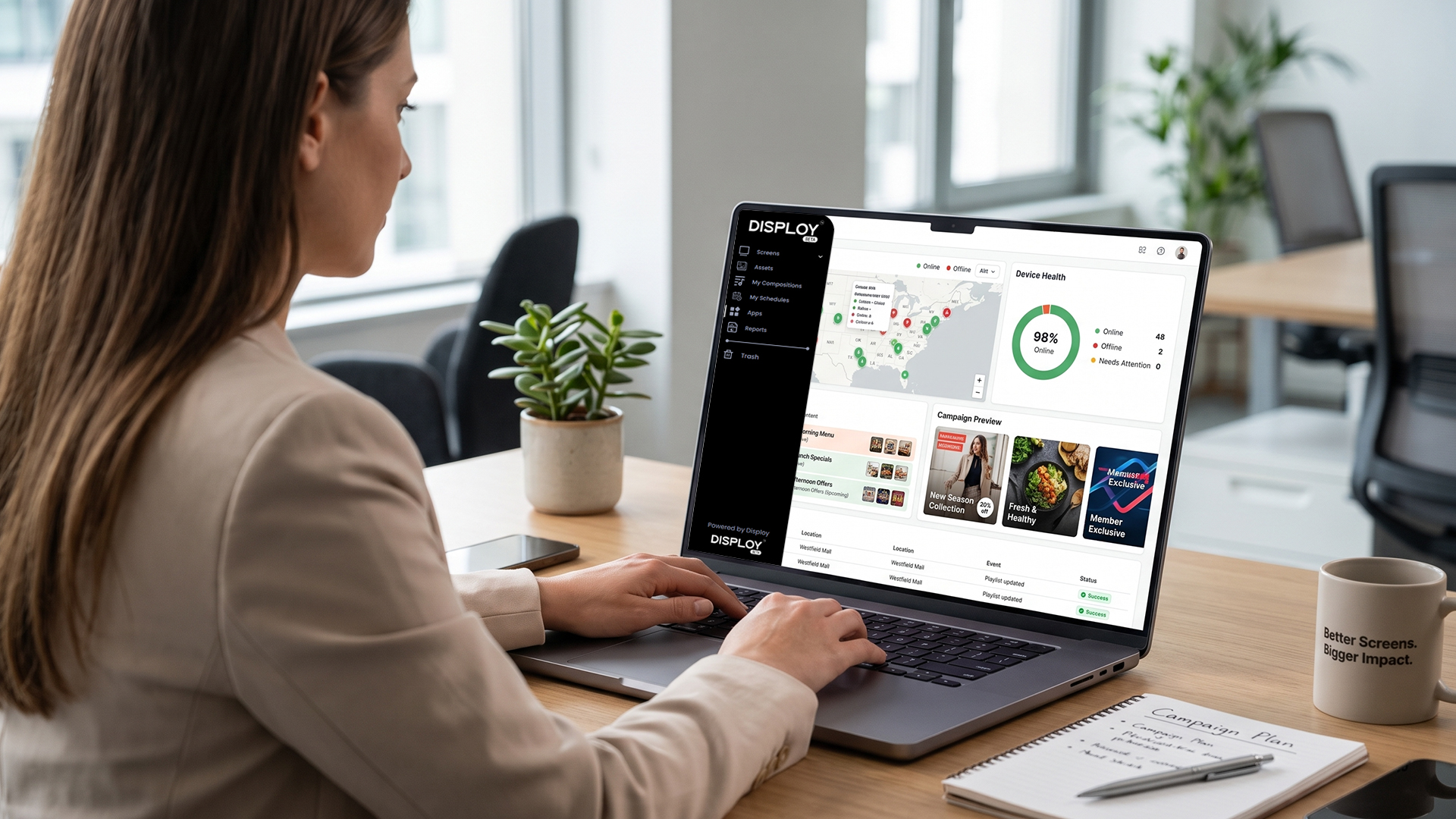
The division isn’t just “screen versus poster.” A digital signage solution can bridge the gap between content development and in-store operations. Teams can build playlists, program campaigns, define expiration dates, designate content to locations, and check whether screens are online. This results in a more responsive merchandising approach that can shift as rapidly as an offer, season, or customer need.
Why Retail Stores Need Digital Signage Today
The tools retailers need to make their stores more visible, user-friendly, and affordable. While static signs still exist, they are difficult to keep up to date and not easily customizable. Digital screens provide additional real-time communication to complement the entire customer journey.
Driving Foot Traffic and In-Store Engagement
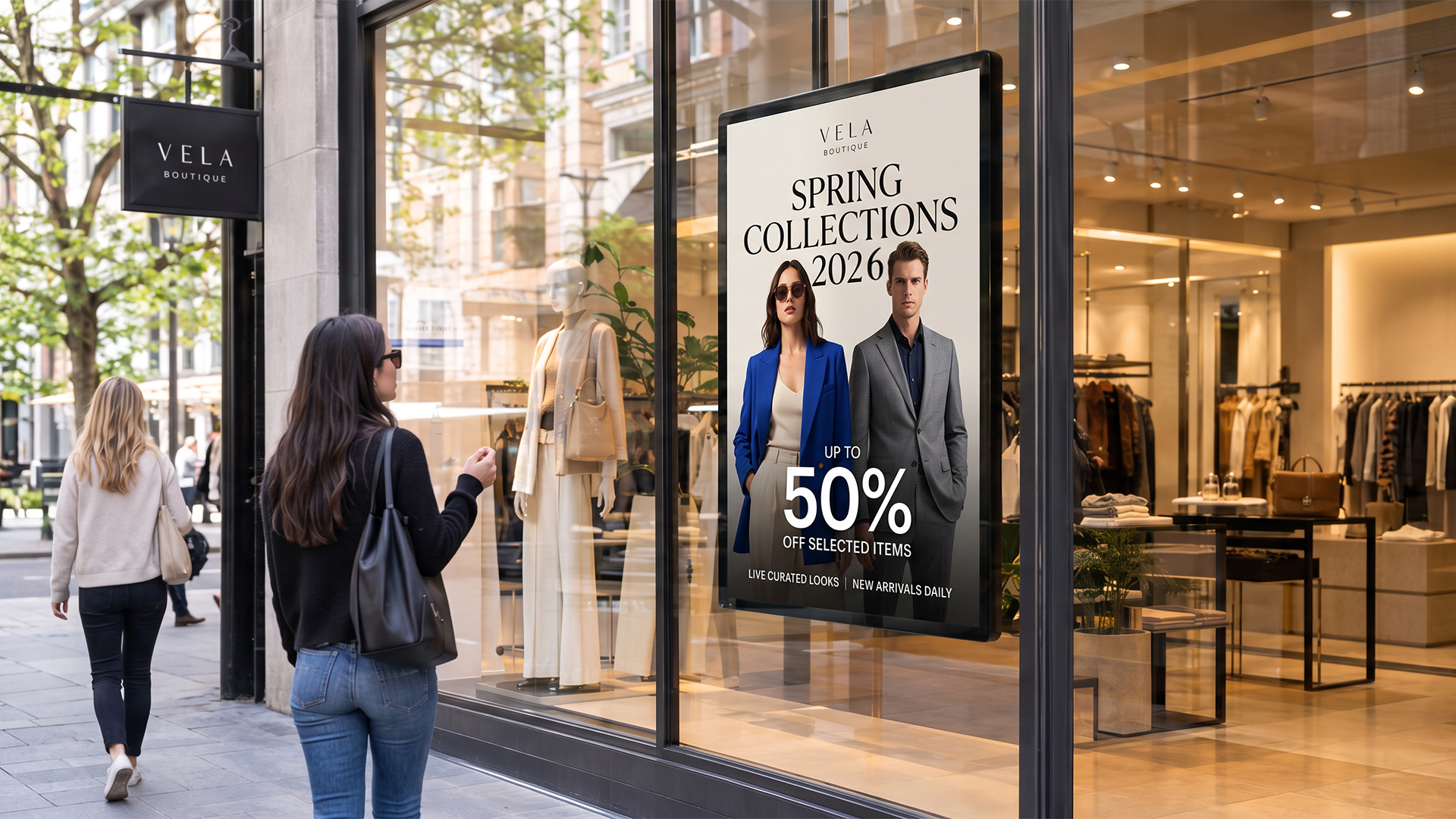
The first touchpoint customers have with a store is most often its sign. It informs consumers about what the business sells, whether any offer is in place, and whether the store looks like a worthwhile venture to enter. A summary of consumer-perception research by Sign Research Foundation found that 33% of shoppers (averaged over four years) were attracted to a new store by the quality of the signs. According to a separate FedEx Office survey from 2012, 76% of respondents had visited a store they had never visited before because of the signage.
These figures are to be interpreted with care. They are self-reported survey data, not actual incrementals. Additionally, the FedEx survey was conducted by a signage company, and therefore cannot be considered stand-alone evidence that all digital signage would drive more traffic. However, in the direction, signs do make a difference in discovery and first impressions. A bright, engaging screen in a storefront window is more effective than a static poster for communicating a new collection, a seasonal event, or an enticing offer.
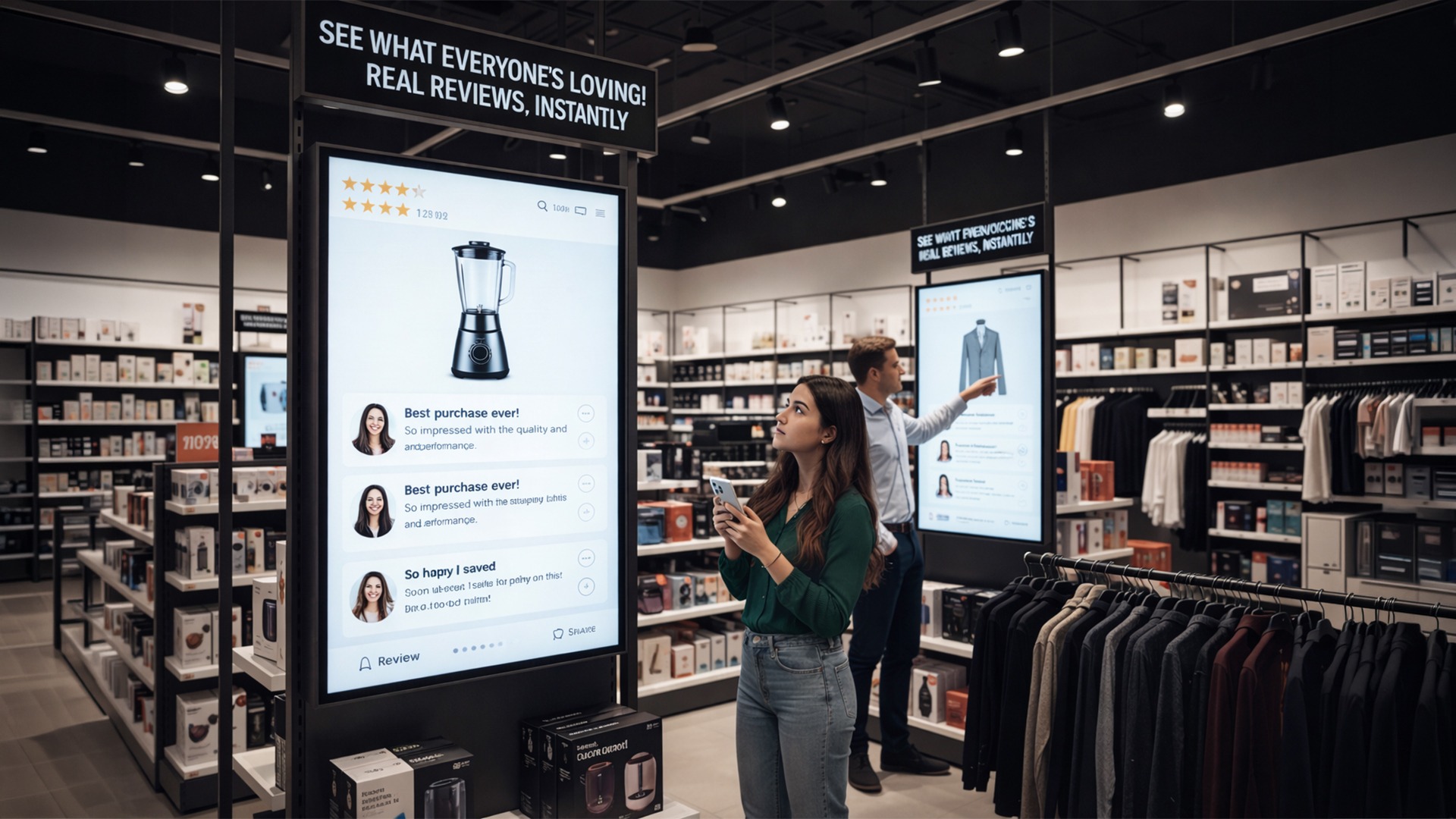
Inside, digital content helps to keep the eye rolling. A short demonstration will help a shopper to understand a product. The basic category message can direct customers to a department. A rotating display can draw people's attention to a fixture rather than having them walk past it.
Boosting Sales on Featured Products
It is not screens that are persuasive in themselves; rather, digital displays have the strongest retail case. It's simply that they can place the important information close to the time of decision. In 2025, a Journal of Marketing study examined 237 in-store digital-signage campaigns among nearly 30 million shoppers. It found that a person's likelihood of purchasing an advertised product was 8.1% higher than if the person saw no such advertisement.
It's an encouraging result, but it's not a blanket guarantee that your revenue will increase by 8.1%. The study focused on a retailer primarily involved in food and household goods and was based on shopping cart and receipt data. This outcome was also observed under specific circumstances, such as with novel, inexpensive, or hedonic products, and when the screen was placed close to the advertised product. Retailers must consider the number as a benchmark, but not as a fixed target.
The lesson is to appropriately tailor the message to the shopping context. Placing a screen near a coffee display can provide a user with an explanation of a new flavor or bundle. A beauty company may demonstrate how to use a product. A consumer-electronics store may be able to make a comparison in a couple of seconds. If the content answers a specific query on the shelf, it is more likely to lead to a sale.
Reducing Marketing Costs Across Locations
Printed campaigns are not free of costs, apart from design. Artwork and print materials must be approved by Retail teams, packed, shipped, removed, installed, and disposed of at the end of the promotion. In cases of a last-minute price change, a second print run may be required. Campaigns sent only to a subset of stores can result in additional sorting and fulfillment effort.
With digital signage software for stores, a central team can publish approved content to selected screens. A promotion can be configured to begin and end automatically. A regional message can be used in one set of stores, and a national campaign in another. This does not affect production or hardware, but can help minimize the hassle associated with frequent changes.
It also enhances control. The offers are less likely to remain on display, and managers can manage from a single content library without sifting through old files or waiting for a physical kit to arrive.
Key Ways Digital Signage Grows Retail Revenue
Small improvements add up to make a big difference in revenue growth. Retail digital signage solutions can capture attention, help explain offers, enhance product discovery, and link in-store browsing to digital conversion paths.
Promotions and Upselling
It is possible to make a promotion visible when a shopper adds an item to the basket on a screen. It might display a short-term discount, a “buy together” suggestion, or a more expensive option. Specific content is most likely to be effective; for example, you can name the product, explain the benefit, and clarify the next step.
As well as the creative, the timing is critical. A breakfast promotion could be offered during the morning, or an evening promotion could focus on convenience or ready-to-cook items. Retailers can also create campaigns based on stock levels, seasonal events, loyalty member benefits, or product launches. It's no longer a brand video that plays and plays and plays, but a screen that can be used for merchandising.
Upselling should be helpful. If each message represents an increasingly costly product, customers could tune out. A well-balanced playlist might feature promotions, product education, store services, social proof, and helpful navigation.
Personalized Customer Journeys
Personalizing a store doesn't necessarily mean identifying a person. It can involve modifying content to suit the environment in which people shop. A retailer may set up a time-of-day, weather-message, local-events, department-specific, or foot-flow message schedule. In a rainy-day message, you could emphasize umbrellas or indoor activities. Creating a busy-period playlist can encourage faster bundle purchases. A quiet period can highlight services that require further explanation.
When content rules are embedded in a cloud-based digital signage platform, it's easier to manage contextual personalization. The team may have a pre-approved set of options and present one of them based on the schedule. This makes for a more relevant experience and minimizes the chance of a botched message at the store level.
Retailers also need to keep customers' privacy rights in mind. Content should be useful, but it should not suggest the store knows more about the individual than they do. All audience measurement and personalization based on cameras should be considered in light of consent, transparency, and local laws.
Interactive and QR-Based Experiences
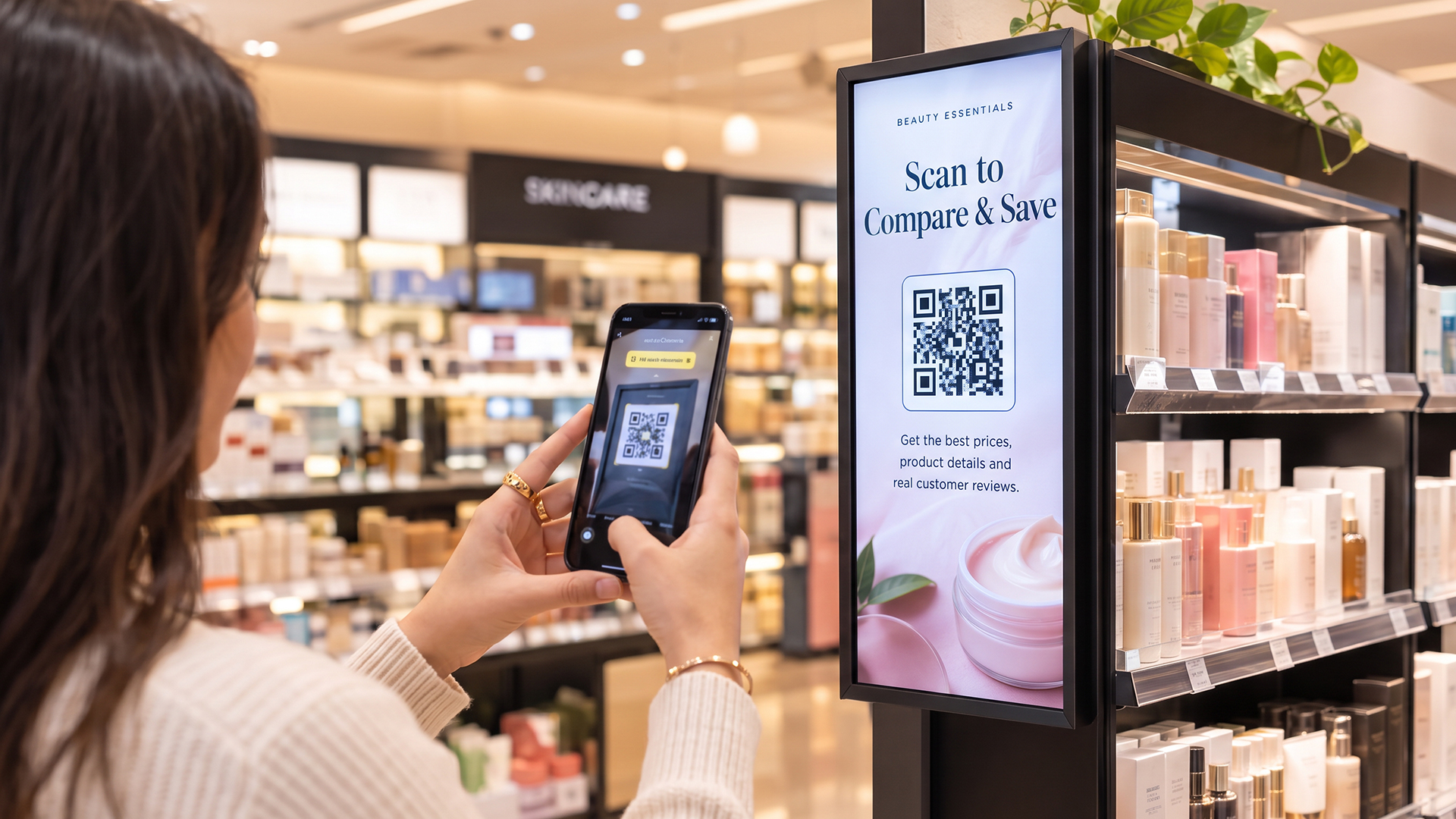
A screen can start a digital journey even if it can't finish it. A QR code could be used to direct a shopper to a product page, a mobile coupon, a loyalty sign-up, a product comparison, an appointment form, or a click-and-collect flow. This is particularly helpful for products with low physical stock levels or for products that require more information than can be captured on the shelf label.
The handoff should be made for a mobile device. The QR code needs to be large enough for scanners to detect it, the landing page should load quickly, and the value must be obvious before the shopper pulls out their mobile device. An invitation to learn more is not as helpful as the more specific "scan to save," "scan to check stock," or "scan to see how it works.
Measurable signals are also generated in these interactions. The retailer can monitor scans, coupon redemptions, product page visits, loyalty sign-ups, and assisted purchases. They don't indicate that all of the conversions were from the screen, but they offer better visibility than a printed poster typically does.
Multi-Location Consistency
When you have multiple stores, it is a revenue and trust problem. The product information, price, and promotions must not differ unintentionally between stores, or be affected by any manipulation of the website. Meanwhile, stores might require regional content regarding weather, inventory, events, or regional offers.
With multi-location digital signage, it's easier to maintain that balance. A central team can publish a master campaign (all elements required), lock the elements that must remain central, and create local variations as needed. In the case of urgent updates, such as a price correction, a product recall, or the end of a promotion, it is especially valuable to receive them immediately.
Governance may be easier to do on a single dashboard too! Teams can view the content assigned to each location, the expiration date of a campaign, and device connections. Store managers spend less time troubleshooting files and more time assisting customers.
Digital Signage Trends Shaping Retail in 2026
Relevance and accountability will be the key trends in retail signage for 2026. Retailers are not just seeing screens as a means of decoration, but as an integral part of a measurable customer and commerce media system.
It is a key application for retail today. Retail accounted for over 19% of the total digital signage market in 2025 and is projected to become the top application in the future, according to Grand View Research. The number comes from a variety of different reports and estimates, meaning it should not be considered a single market figure. However, it does reflect the importance retail plays in the uptake of digital signage.
AI-driven content writing is expected to see increasing use. For teams, generative tools can be used to create campaign variations, resize assets, draft product copy, and assemble templates. The good use of AI isn't uncontrolled publishing. It's to eliminate repetitive production tasks, while people verify brand correctness, pricing, accessibility, and legal claims. The National Retail Federation has taken the position that generative AI will be a catalyst for dynamic content and more personalized retail experiences, but also highlighted a number of practical issues, including privacy and accuracy.
Another natural direction is vertical and social-style content. Portrait videos, short demos, captions, and quick video hooks are a no-brainer for consumers. Retail screens can perhaps follow those conventions, but the content must still be accessible to passersby who don't have a phone in their hands. Using large text, high contrast, short messages, and a good focus is more important than just copying a social post.
If you want to link the physical store to mobile commerce, consider touchless and interactive displays. These interaction methods, such as QR codes, NFC, voice-assisted interfaces, and sensor-based experiences, can enable customers to check stock, compare products, or receive loyalty benefits. It all depends on the audience and the store's environment. Interactivity should not be used to raise the friction barrier but to lower it.
Deployment decisions will also be made based on sustainability and energy efficiency. Retailers can save needless operating time in scheduling screens to dim or turn off outside of trading hours. Energy-efficient displays, extended hardware life, remote diagnostics, and reduced printed changeovers can help achieve environmental goals. The sustainability claim must be assessed fairly: a screen is not necessarily as “green” as print, and poor management of the screen or frequent screen changes do not warrant that claim.
Last but not least, retailers will also require improved measurement. Industry guidance remains to highlight the lack of uniformity in measuring across digital out-of-home and e-commerce media. Digital signage ROI retail programs in 2026 should correlate, engage, and drive sales where the data warrants and should clearly differentiate between correlation and causation.
How to Choose the Right Digital Signage Solution for Your Store
It should fit the retailer's operating model as closely as possible, not just because it offers the most features. First of all, you need to establish some content decisions that the system will need to support: who will create content, who will approve it, how frequently it will change, and what success will look like.
|
Evaluation area |
Questions to ask |
Why it matters |
|
Deployment model |
Is the platform cloud-based, on-premises, or hybrid? |
Cloud access usually simplifies remote management, while on-premises control may suit specific security or infrastructure requirements. |
|
Scheduling |
Can teams schedule by date, time, location, screen, and campaign? |
Flexible scheduling supports relevant offers and reduces the need for manual updates. |
|
Scale |
Can the system support additional stores and different screen formats? |
A solution should not need to be replaced when the retailer grows. |
|
Analytics |
Can it report device health, playback, scans, engagement, or sales-linked results? |
Measurement helps teams improve creative and assess the ROI of digital signage for retail initiatives. |
|
Governance |
Are permissions, approvals, templates, and audit trails available? |
Controls protect brand consistency while allowing local flexibility. |
Cloud-based digital signage is the logical first step for many retailers that need to access their signage from remote locations or publish to multiple screens from a single management point. Depending on the company's network policies and/or network infrastructure, on-premise systems may still make sense. It should do more than just consider the deployment label; it should also consider connectivity, security, support, hardware compatibility, and total cost of ownership.
It is also very convenient for scheduling. If the system is powerful and requires technical support for every update, it may not be operationally valuable. Search for options that include reusable templates, preview tools, expiration dates, content playlists, and device status information.
This is the natural place to take a look at a platform like Disploy. The question is not whether a vendor can get a video onto a screen. It's whether the solution enables your team to plan, approve, publish, update, and measure content without doing extra work. One way a retailer can do that is to create a brief campaign, test it in a limited number of stores, and see if the team can easily make a price change or expand an offer.
Getting Started with Disploy for Your Retail Business
Use a single customer problem and a single measurable use case. You could consider offering a seasonal bundle, describing a product category, enhancing storefront discoverability, or linking shoppers to click-and-collect. Don't redesign all stores at once; select a smaller set of screens in representative stores.
Then, make a basic content outline. Set up the audience, message, offer, call to action, schedule, and success metric. To keep the playlist from being a series of hard-sell messages, include a few content types. Promotions can be more effective through product education, service information, wayfinding, and brand content.
Create and schedule the campaign using Disploy, and document what the store team needs to do locally to gain access to the campaign. Monitor real-world activities such as screen time, content compliance, QR scans, offer redemptions, product purchases, and customer feedback. If available, compare to a baseline or other comparable store.
After a successful workflow, scale by store cluster. This will give the retailer a chance to see how well it works before they commit to a larger multi-location digital signage initiative.
Conclusion
Digital signage is a tool that enables retailers to make their physical stores more timely, informative, and connected. Can draw attention to content, highlight featured products, enable upselling, streamline the work of changing print copies, and bridge the in-store-to-mobile conversion. It is not the screen itself that determines the results, but their placement, the quality of their creatives, the relevance of their offer, how they are run, and how they are measured.
The next best would be a focused pilot. Select a business goal, establish a baseline, and test a small campaign with a defined timeline and call to action. With a workflow and platform that provide the right tools, Disploy can help you turn that pilot into a regular, scalable retail digital signage.