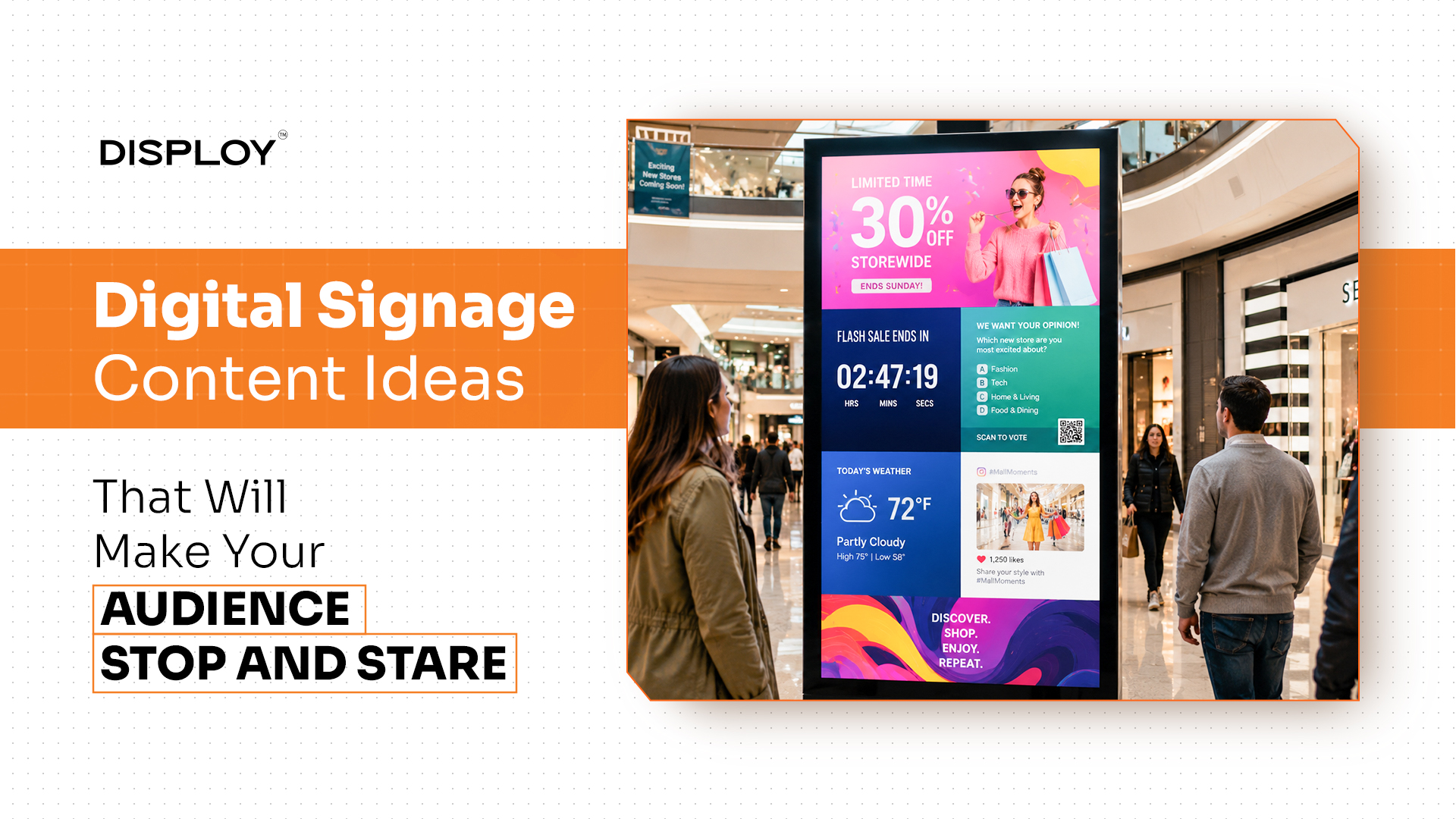

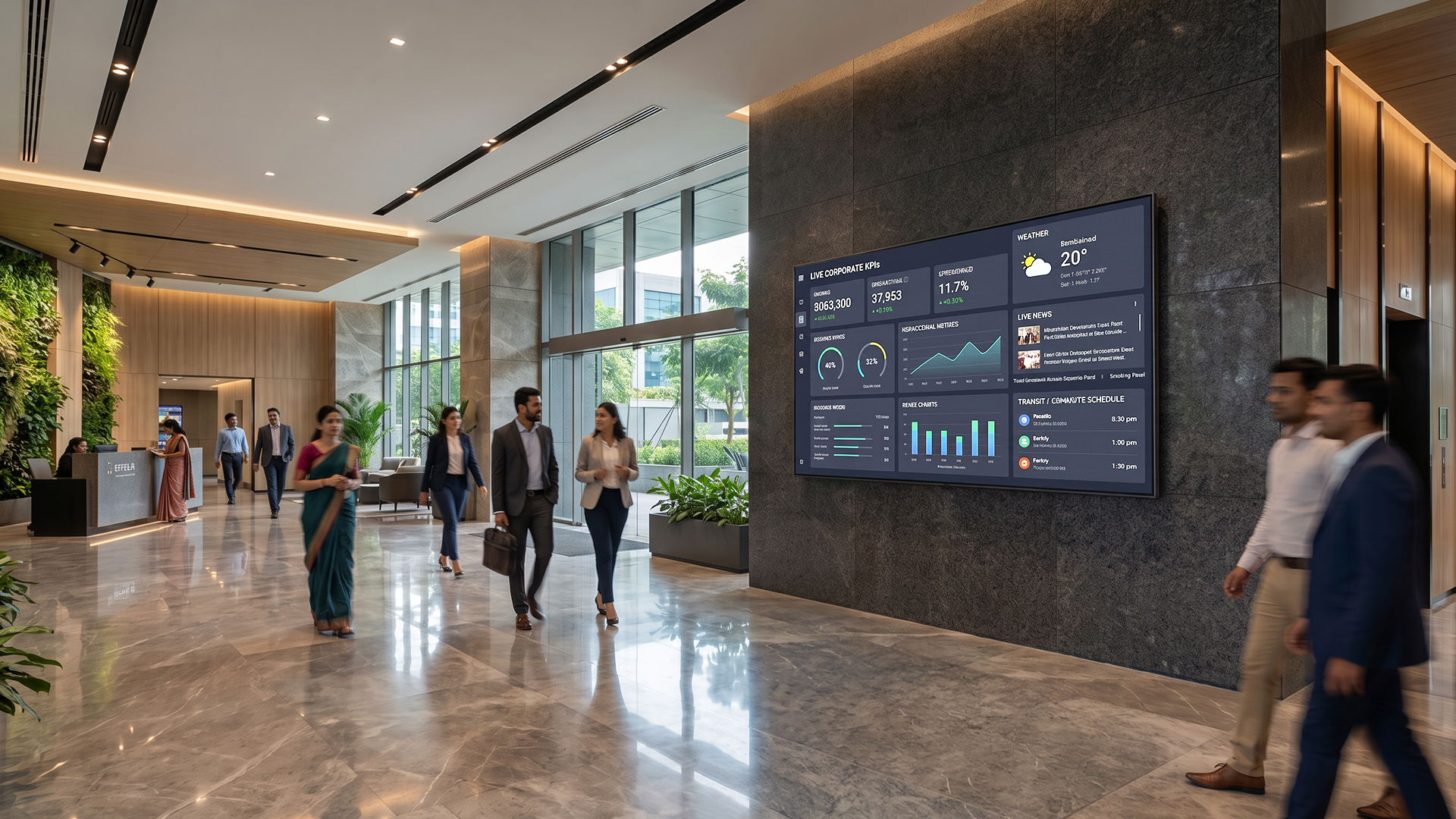
If you've walked into a retail store, hospital, or even your own office lobby in India recently, you've probably noticed the posters and printed notice boards quietly disappearing, replaced by self-updating screens. Menu boards that change with the hour. Wayfinding that adjusts on the fly. Internal dashboards that don't need someone to print and pin a new sheet every week. That shift is digital signage, and by 2026 it's become standard infrastructure rather than something only large enterprises bother with.
The catch is that "digital signage company" covers a surprisingly wide range of things. Some are pure software platforms you run on screens you already own. Some sell the hardware alongside the software. Some are built for a single menu board; others are built for a 200-location retail chain with compliance requirements to worry about. Picking one off a homepage feature list tends to backfire because the real differences only show up when you dig into device compatibility, deployment support, content scheduling, integrations, and how clear the pricing is once you ask for a quote.
This guide walks through the digital signage providers worth knowing in India for 2026, what each one does, who it tends to suit, and what to ask before you commit. One thing worth flagging upfront: "top rated" here is a search term, not an independent industry ranking. Treat this as a shortlist to start your research with, not a verdict. Confirm current pricing, availability, and support directly with each vendor before making any decisions.
How to evaluate digital signage software before buying
Start with your screen network: How many screens are there, where are they, what type are they, and how fast is that number likely to grow? A single menu board and a nationwide retail rollout need completely different things from a platform. Check whether it can organize screens by location, department, or campaign, and whether you can assign permissions by role.
Look closely at content operations: Does it support the media formats you'll actually use? Are playlists, layouts, templates, approval workflows, and emergency or priority messaging built in? If you want content to react automatically to weather, traffic, inventory, or social feeds, ask exactly how that integration works and what its limits are.
Check what hardware it actually runs on: This affects your total cost as much as the subscription fee does. Find out which operating systems, SoC displays, dedicated players, smart TVs, Raspberry Pi devices, or ordinary PCs are supported, and whether you're locked into proprietary hardware or free to use what you already have. Also ask if the player works offline.
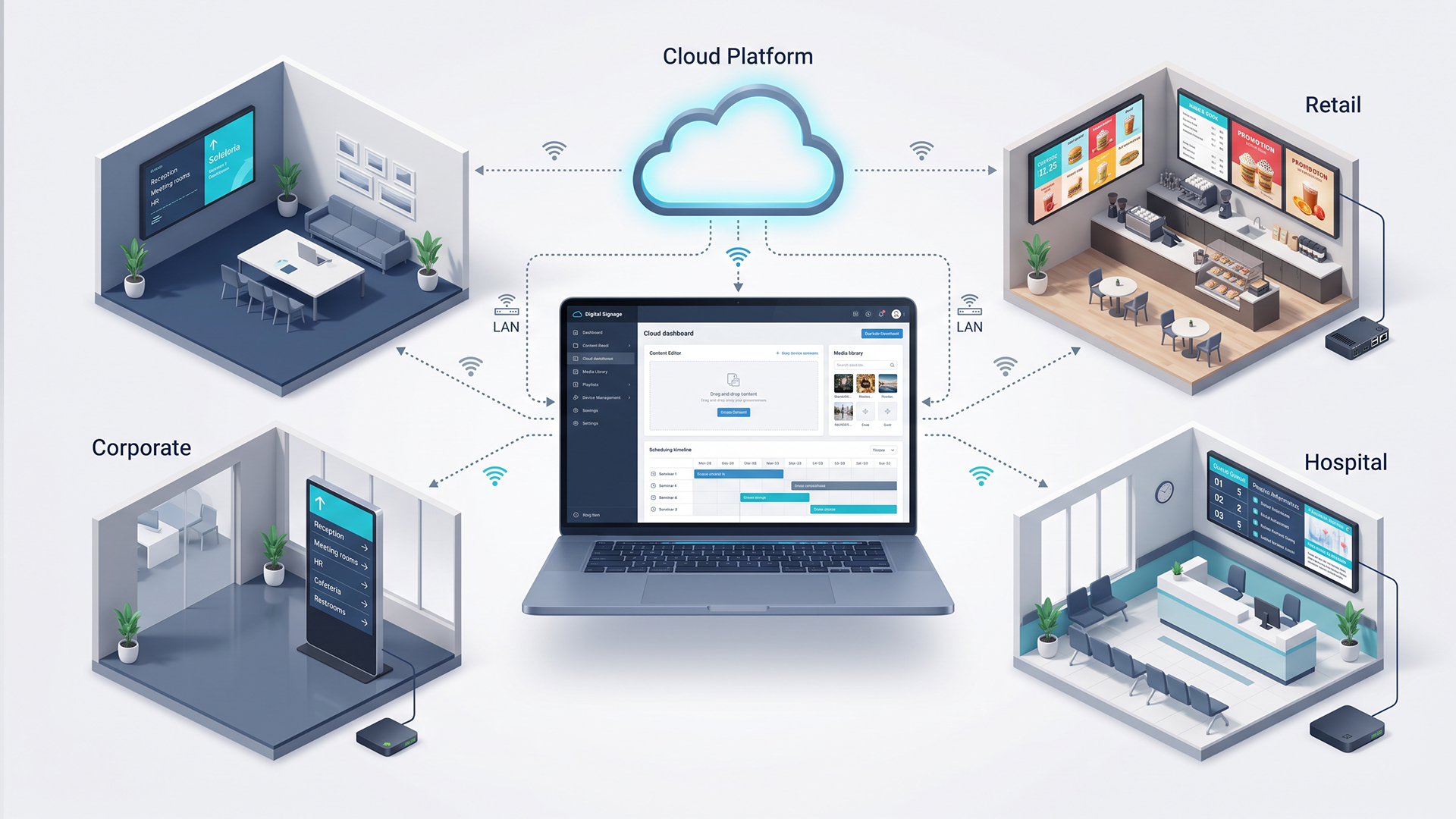
Understand the deployment and data model: Cloud deployment is usually simpler to run, but some businesses need network isolation or on-premises hosting for data governance reasons. Ask specifically how content, usage data, and device telemetry are stored, what connectivity the system needs, and what happens during an outage. Don't assume a vendor's on-premises option applies to every plan they sell; confirm it for the plan you're actually buying.
Take security and admin seriously: For any deployment with multiple users, look for role-based access, single sign-on, directory integration, audit logs, and encryption. Ask for actual security documentation rather than taking marketing copy at face value. If the screens will ever carry emergency or safety information, get the escalation process in writing.
Work out the real total cost: Get a written quote that covers the software subscription, player hardware, displays, installation, content creation, connectivity, support, training, taxes, and renewal. A low headline price per screen can quietly exclude things like offline play, API access, or implementation support; read the fine print before comparing numbers across vendors.
Confirm the India-specific support: Ask who actually answers the phone, what the response times and replacement timelines are, what the working hours are, what the escalation paths are, and whether local installation partners are involved. A platform that looks perfect on paper can still be frustrating to run if support and installation are vague.
Top digital signage companies in India for 2026
1. Pickcel
Pickcel is a digital signage software platform built around centralized screen management, content creation, scheduling, remote updates, and publishing across locations, with reporting for businesses running deployments in multiple countries.
It tends to make the most sense for organizations running screens across several locations that want one consistent content system while keeping their existing displays or players. Its on-premises option is also worth a look if you have compliance requirements that call for network isolation or an air-gapped setup.
2. ScreenCloud
ScreenCloud runs both as a cloud-based signage platform and, in some cases, as a paired hardware product. It covers a Studio CMS, a library of apps and integrations, dashboards, and security controls, and is aimed squarely at distributed organizations, franchise networks, schools, and hospitals that need to push out communication consistently across many sites.
Where it tends to shine is in internal communication: company-wide messages, dashboards, emergency alerts, and updates that reach frontline or deskless staff who don't sit at a desk with email open all day. Whether it's the right fit for every enterprise scenario is a separate question worth testing against your own use case, rather than assuming based on their stated examples.
3. Yodeck
Yodeck handles content creation, scheduling, and screen management through an online dashboard and supports a wide range of media, videos, images, documents, web pages, apps, playlists, and full-screen layouts with scheduled playback. There's a free tier for a single screen, with paid plans scaling per screen (pricing and hardware inclusions are worth double-checking, as they change over time).
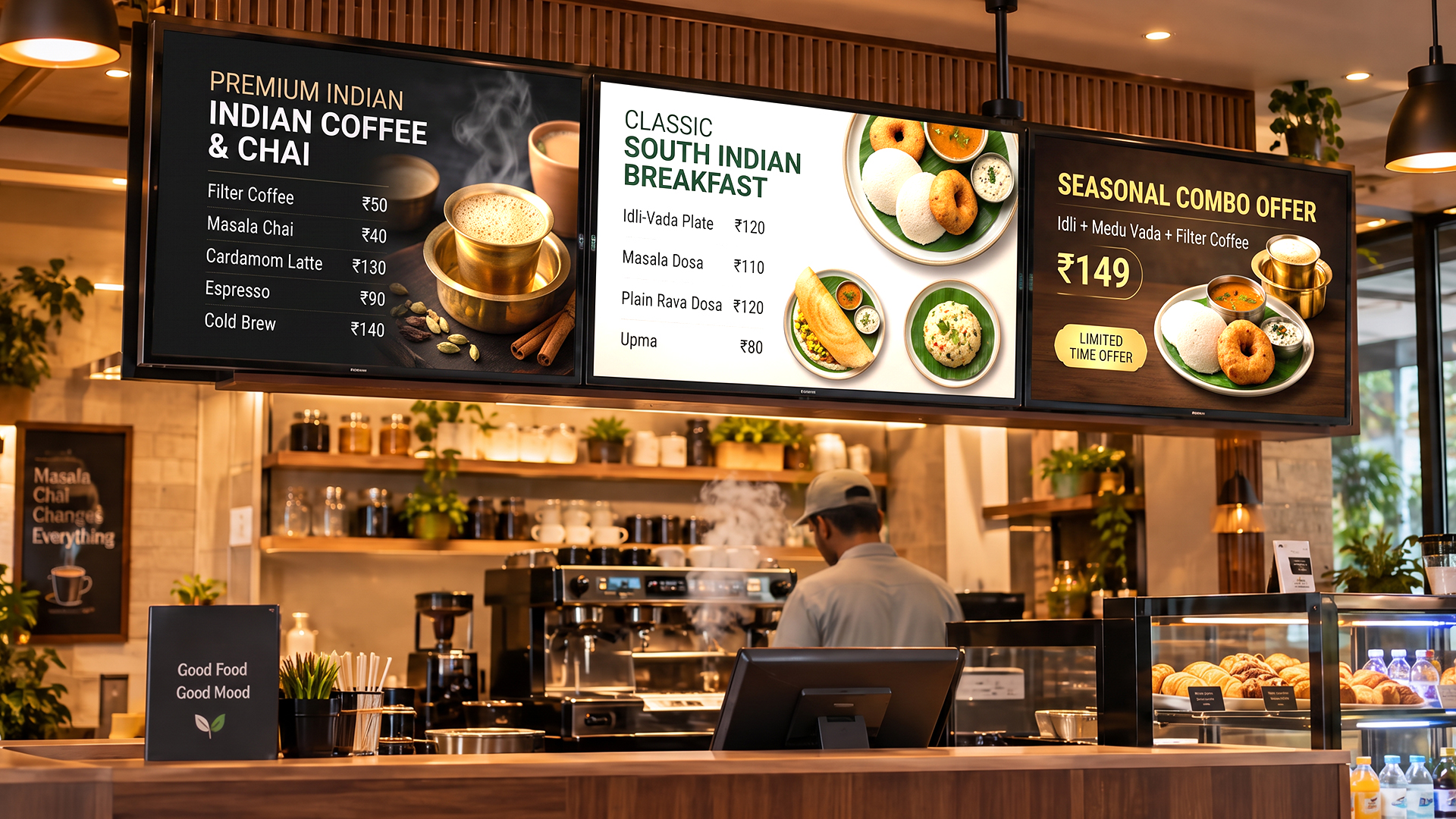
It's a reasonable fit for many use cases: menu boards, meeting room signs, internal comms, wayfinding, retail displays, education, manufacturing, healthcare, particularly if remote management, scheduling flexibility, and role-based access matter to you.
4. Acumen CMS
Acumen CMS positions itself as more than a basic content system: centralized display management, media uploads, scheduling, remote updates, multi-location control, and connections to external and live data feeds, according to its own documentation. It's aimed at retail, healthcare, restaurants and QSR chains, education, corporate offices, and hospitality.
It's worth a look for any organization running one or more screens that wants cloud-based scheduling and control, especially multi-location retail chains, restaurants, hospitals, schools, and hotels.
5. Disploy
Disploy is a cloud-based digital signage platform built around a straightforward publishing workflow: create, upload, schedule, publish, and remotely manage images, videos, playlists, social feeds, live news, weather, and other content across one or more screens.
It's built to serve retail, restaurants, offices, healthcare facilities, educational institutions, hospitality businesses, fitness centers, and banks, essentially any business that needs a central place to manage promotions, menus, internal communication, or announcements. It's marketed as a "no hardware" product, though in practice you'll still need a supported display, device, or player to actually run it on.
Quick comparison
|
Company |
Best suited to |
Deployment model |
|
Pickcel |
Multi-location organizations and enterprises with compliance or isolated-network needs |
Cloud or customer infrastructure; broad player/OS support |
|
ScreenCloud |
Distributed organizations managing internal comms, dashboards, or frontline updates |
Cloud Studio paired with a ScreenCloud or supported player/display |
|
Yodeck |
Everything from a single screen to multi-location deployments |
Cloud dashboard with Yodeck Player or supported smart devices |
|
Acumen CMS |
Retail, QSR, healthcare, education, hospitality, corporate users needing cloud control |
Cloud-controlled, integrated with installed screens |
|
Disploy |
Retail, restaurants, offices, healthcare, education, hospitality, fitness, and similar |
App on Android, Fire TV, Windows, Tizen, or webOS devices |
Conclusion
There's no single "best" digital signage company for India in 2026; the right one depends on the size of your screen network, the hardware you already own, how you want content to move, your security requirements, and how much support you expect to need along the way.
Pickcel stands out for its broad compatibility across different players and hardware, and for offering both cloud and on-premises options. ScreenCloud leans into cloud-managed internal communication with a fair amount of flexibility on apps and devices. Yodeck is built around centralized management, with the option to run on as small as a Raspberry Pi. Acumen CMS focuses on cloud-based screen control with a low headline price, though that number is worth confirming directly, as headline prices rarely tell the whole story. Disploy runs a cloud-based workflow across a wide range of devices and includes offline document playback as part of the package.
None of that should be the only reason you pick one over another, though. Run a like-for-like pilot before committing, confirm the exact hardware and plan you're being quoted, clarify who's responsible for implementation and ongoing support, and check current pricing and data terms before signing anything.