Think about how news travels in a school. A teacher mentions a schedule change in first period, a notice goes up on the board near the staff room, and a message lands in a parent WhatsApp group at 9 PM. By the time everyone has heard, half the students have the wrong version, and a few parents ask why nobody told them.
That’s not a failure of effort. Most schools work hard to communicate. The problem is that the tools they rely on, like paper notices, circulars, and word of mouth, were built for a slower, smaller version of school life.
This is where education digital signage comes in. Put simply, it gives your school a central way to show the right message on the right screen at the right time. In this blog, we’ll explain how school digital signage works in practice and how it helps you reach students, staff, and parents without adding to anyone’s workload.
Why Traditional School Communication Keeps Falling Short
Let’s be honest about what’s happening on most campuses.
Notice boards fill up fast. A sports day poster sits on top of an exam timetable, which sits on top of a reminder about library fines. Students walk past without reading any of it, because when everything is posted, nothing stands out.
Printed circulars get lost in school bags. Emails get buried under everything else in a parent’s inbox. PA announcements interrupt classes and are forgotten five minutes later. And all of these methods share the same weakness: once the message is out, you can’t update it. If the event time changes or a class is moved, you’re back to printing, pinning, and re-sending.
There’s also a time cost nobody talks about. Someone in the office usually designs, prints, and pins notices every week. That’s hours of admin work that could go toward something more useful.
What Is Education Digital Signage?
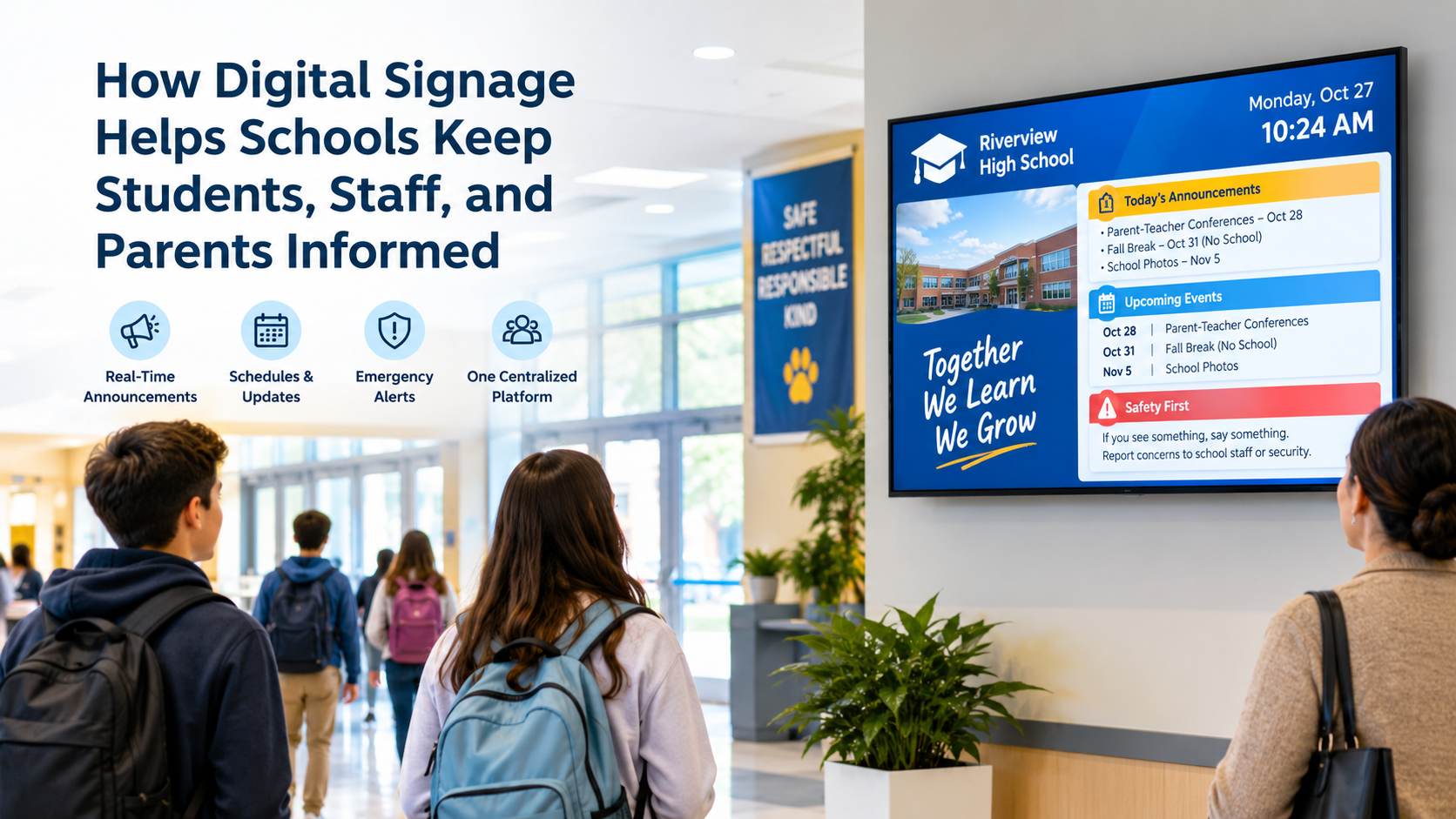
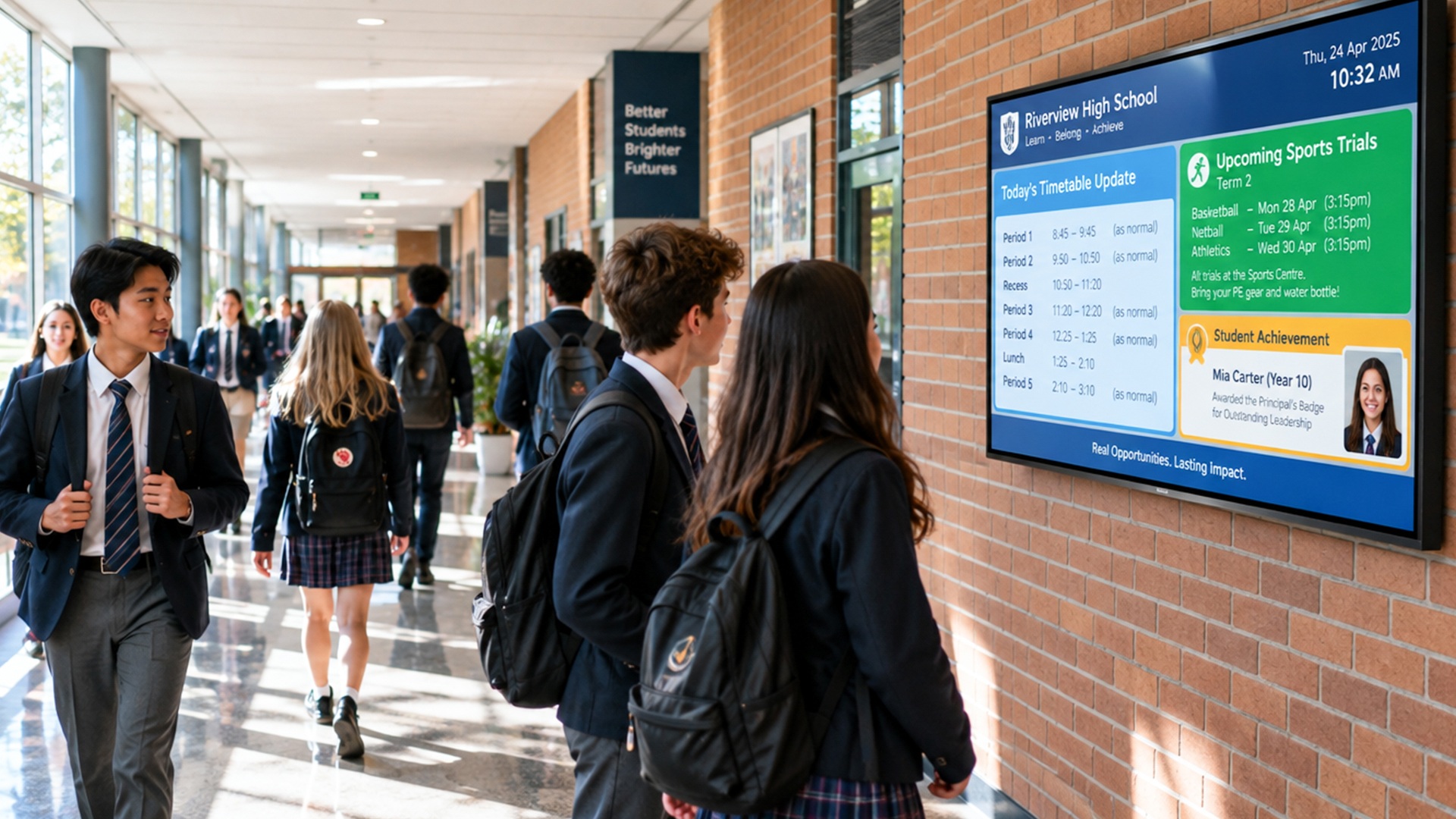
Education digital signage uses screens around your campus to display announcements, schedules, event updates, achievements, and alerts. You manage those screens from one central dashboard, so you don’t need to walk to each one to change what it shows.
With a cloud-based platform, your admin team can log in from a laptop, upload or edit content, choose which screens it appears on, and set when it goes live. Change a message once, and it updates everywhere within moments.
It’s not a TV playing a slideshow from a USB stick. The difference is control. You decide what shows where, when, and for how long, without ever leaving your desk.
Keeping Students Informed Without Chasing Them
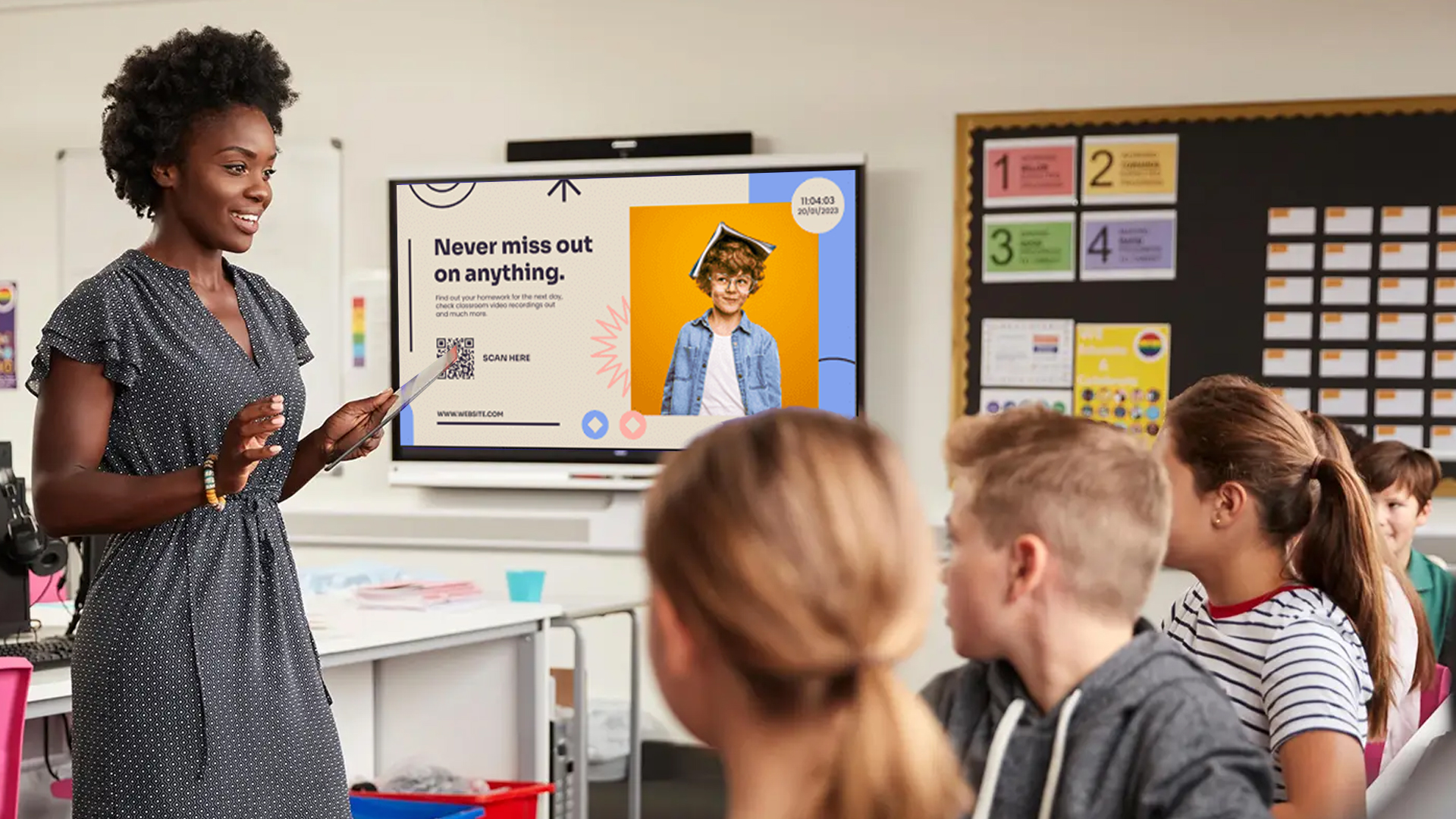
Students are used to screens. They read their phones constantly, so a bright, well-designed display in the corridor catches their attention in a way a faded paper notice never will.
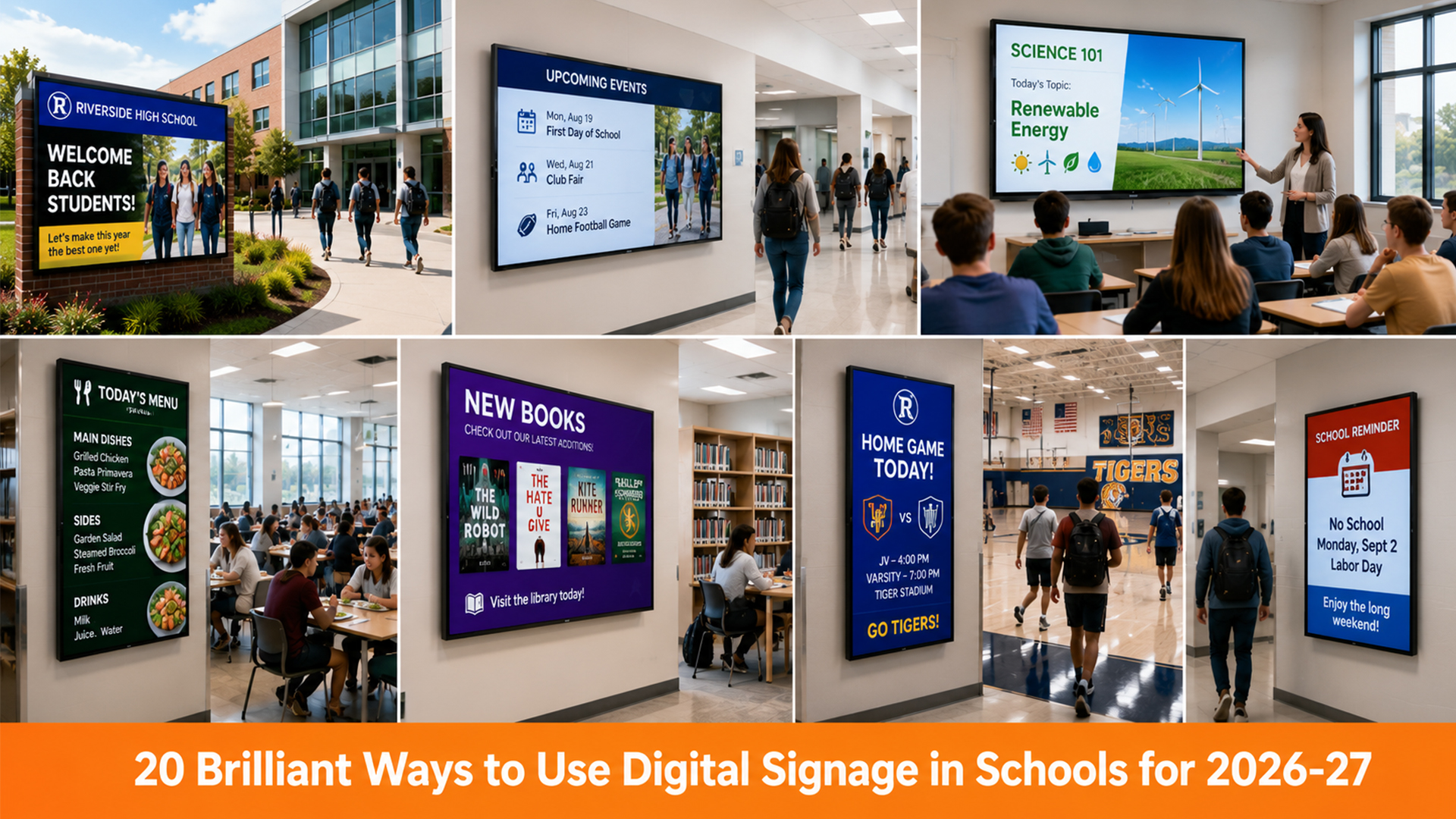
Here’s what schools commonly show students on their screens:
-
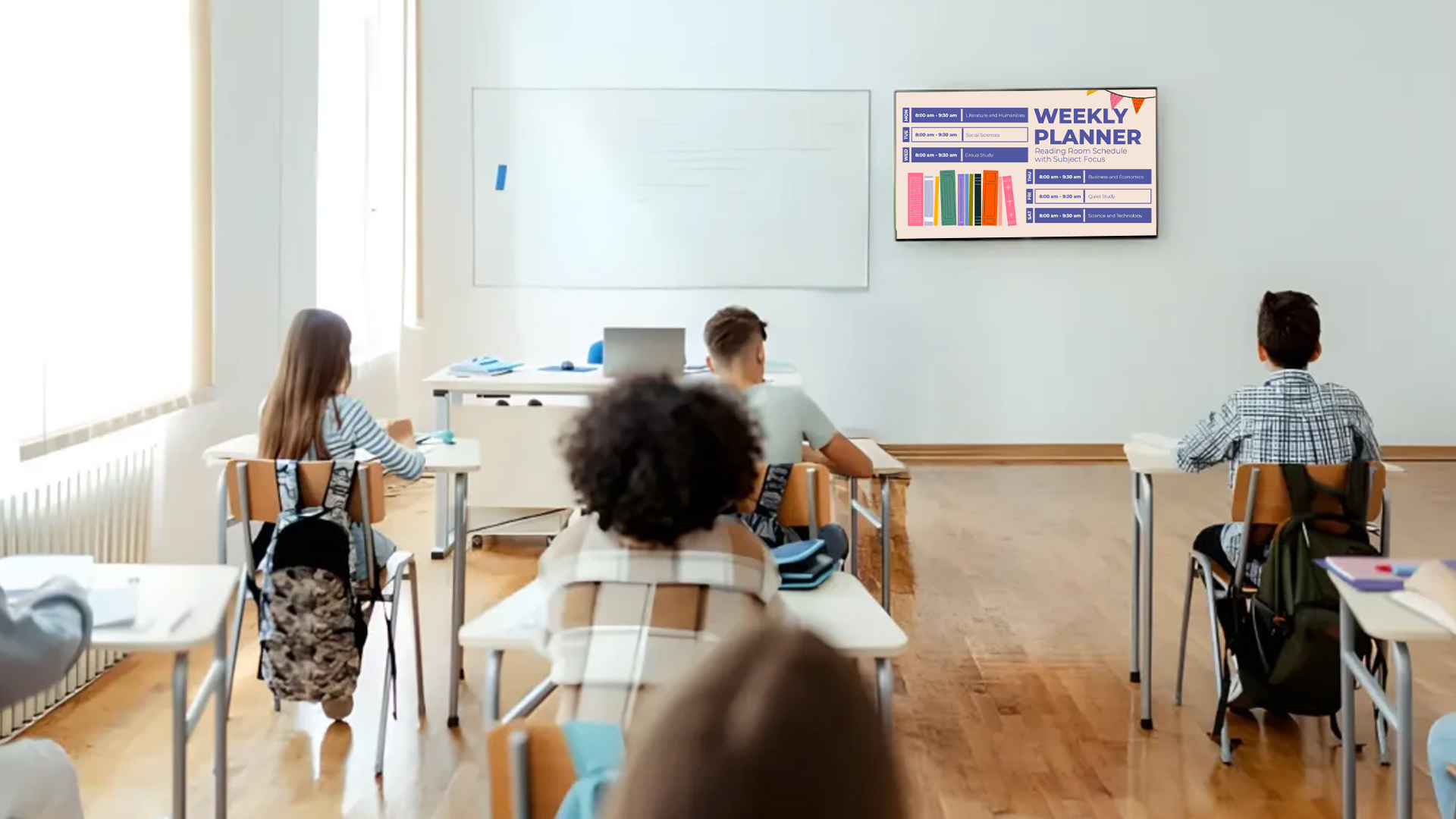
Daily schedules and timetable changes: If a teacher is absent or a class moves rooms, students see it right away instead of finding out after walking to the wrong classroom.
-
Exam dates and reminders: A countdown to the next exam or assignment deadline works better than a notice they scanned once and forgot.
-
Events and club activities: Cultural fests, sports trials, debate competitions, and club meetings all get visibility, which helps participation numbers.
-
Achievements and celebrations: Showing a student’s win or a class topper on a screen builds pride and motivates others. It’s a small thing, but students notice it.
-
Campus information: Library hours, canteen menus, and bus timings can run in the background as quick-glance info.
The best part is that it feels natural. Students aren’t being lectured or reminded; they’re just seeing information as they move through their day.
Keeping Staff in the Loop
Teachers and staff deal with a constant stream of updates. Meeting reminders, duty rosters, substitution schedules, inspection notices, and policy changes all need to reach people on time, and usually in the middle of a busy day.
Digital screens in the staff room, administrative block, and common areas make this much easier. Instead of sending another group message that someone will scroll past, you give staff a central place to check at a glance.
Some practical ways schools use this:
-
Substitution and duty schedules displayed in the staff room, updated the moment they change
-
Meeting and training reminders shown a day or two ahead, so nobody says they missed it
-
Important deadlines such as report card submission or marks entry, shown prominently
-
Recognition and appreciation for teachers and staff, which is easy to overlook but matters for morale
It also reduces the number of “Did you get the message?” conversations. When information is visible and consistent, there’s less confusion and fewer follow-ups for the front office.
Bringing Parents Into the Picture
Parents often feel like they’re the last to know. They rely on what their child tells them or on messages that may not reach them.
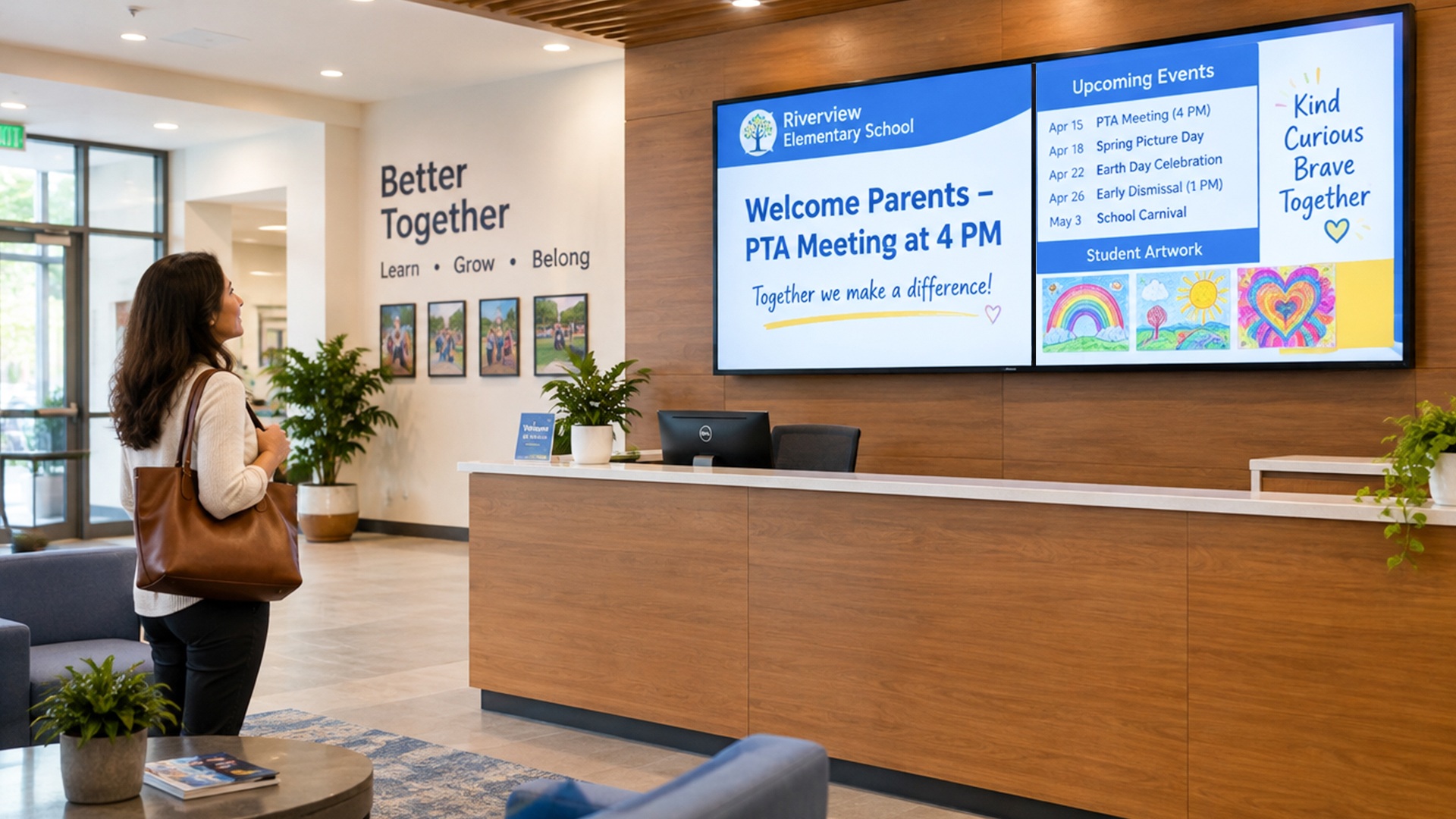
Digital signage at the school entrance, reception, and waiting areas gives parents a direct view of what’s happening. When a parent drops by for a meeting or to pick up their child, they can see upcoming events, holiday notices, PTA meeting dates, and fee reminders without asking anyone.
It also adds transparency that parents appreciate. Seeing student achievements, campus events, and school news on display gives them a better sense of the school’s culture. That builds trust, and trust is what keeps families confident in the institution.
For schools that run events like admission drives, open houses, or annual days, reception screens are also a quiet but effective way to promote what’s coming up and welcome visitors with a professional first impression.
Emergency Alerts When Every Second Counts
This is where school digital signage goes from helpful to genuinely important.
In an emergency, such as a fire, weather warning, security concern, or medical situation, a school needs to communicate quickly and clearly. Relying on one person to run around telling each classroom isn’t a plan anyone feels good about.
With a cloud-based system, an authorized person can push an alert to every screen across the campus at once. The regular content stops, and a clear, high-visibility message takes over. No confusion, no delay, and no dependence on someone being in the right place at the right time.
Even for smaller disruptions like sudden rain, a power cut, or an early dismissal, updating every screen in seconds saves confusion and phone calls to the front desk.
Where to Place Screens for the Most Impact
Placement matters as much as the content itself. A screen in the wrong spot gets ignored, no matter how good the message is. Here are the spots that tend to work best:
-
Main entrance and reception: First impressions count, and parents and visitors often wait here.
-
Corridors and hallways: High foot traffic makes this the best place to reach students.
-
Cafeteria or canteen: Students stand in queues or sit down, so they have time to look.
-
Staff room. A central place for schedules, reminders, and internal updates.
-
Library and activity areas: Good for event promotions, new arrivals, and club announcements.
-
Auditorium or sports areas: Useful for event schedules, scores, and highlights.
You don’t need to cover the whole campus on day one. Many schools start with two or three high-traffic screens, see how people respond, and expand from there.
Making Content People Actually Read
Having screens is the easy part. Making people look at them takes a bit of thought. A few habits make a big difference:
Keep it short: People walking past a screen give it a few seconds. One message, a clear heading, and a date or time are usually enough.
Make it readable from a distance: Use large fonts, strong contrast, and plenty of white space. If you can’t read it from the other end of the corridor, it needs simplifying.
Use visuals: Photos of real students and events perform far better than plain text. Short videos and animations help too, as long as they stay brief.
Refresh it often: If the same slide has been up for three weeks, people stop seeing it. Fresh content keeps the screens worth looking at.
Schedule by time and audience: Show canteen menus around lunchtime, parent notices during pickup hours, and staff reminders in the morning. A scheduling feature handles all of this automatically once it’s set up.
Don’t overload it: It’s tempting to put everything on screen. Resist that. Prioritize what’s urgent and relevant for that spot.
Why Cloud-Based Digital Signage Works Well for Schools
Schools aren’t corporate offices. Budgets are watched closely, IT teams are small, and nobody has time to learn a complicated system. That’s why a cloud-based setup is often the practical choice.
With a platform like Disploy, schools can manage all their screens from one dashboard, whether that’s a single campus or several branches. You can update content remotely, schedule messages in advance, and organize screens into groups so the right content reaches the right place. You don’t need technical staff to visit each display or carry USB drives from one screen to another.

A few things matter when you’re choosing a platform:
-
Ease of use: If your admin team can’t pick it up in an afternoon, it won’t get used.
-
Remote management: You should be able to update screens from anywhere.
-
Scheduling and playlists: So content runs automatically, without daily manual input.
-
Flexible templates: Ready-made layouts save time and keep your screens looking consistent.
-
Scalability: It should grow with you if you add classrooms, floors, or new branches.
-
Reliable support: Someone should be there when you need help, not just when you sign up.
When the system is easy to run, it actually gets used. That’s what separates screens that look impressive on installation day from screens that quietly do their job all year.
A Small Change That Makes Everyday Communication Better
Good communication in a school isn’t about sending more messages. It’s about making sure the right information reaches the right people at the right time, without anyone having to chase it.
Digital signage does that quietly. Students see what’s coming up. Teachers stay on top of changes. Parents feel connected to what’s happening on campus. And when something urgent comes up, you can reach everyone at once.
If your school still relies on notice boards, circulars, and group messages to keep everyone aligned, it may be time to try a simpler approach. With education digital signage from Disploy, you can manage your campus communication from one place and spend less time repeating yourself.
Ready to see how it would work for your school? Get in touch with the Disploy team and take a look.