Picture a retail brand with 40 stores. On Monday morning, the marketing team decides to run a weekend sale. In the old way, someone loads the new promo onto a USB drive, someone else drives it around, and by Wednesday, half the screens still show last month's offer.
That's exactly the problem a digital signage CMS solves.
If you run screens in stores, clinics, restaurants, offices, or campuses, the display itself is the easy part. The software behind it decides whether managing those screens feels effortless or like a second job. So let’s break down what a digital signage CMS is, how it works, and which features to focus on when comparing platforms.
What Is a Digital Signage CMS?
A digital signage CMS, short for content management system, is the software you use to create, organize, schedule, and publish content on your screens. If you’ve ever updated a website through WordPress or Shopify without touching code, the idea is the same. Except here, the “website” is a lobby display, a menu board, or a wall of screens spread across fifty branches.
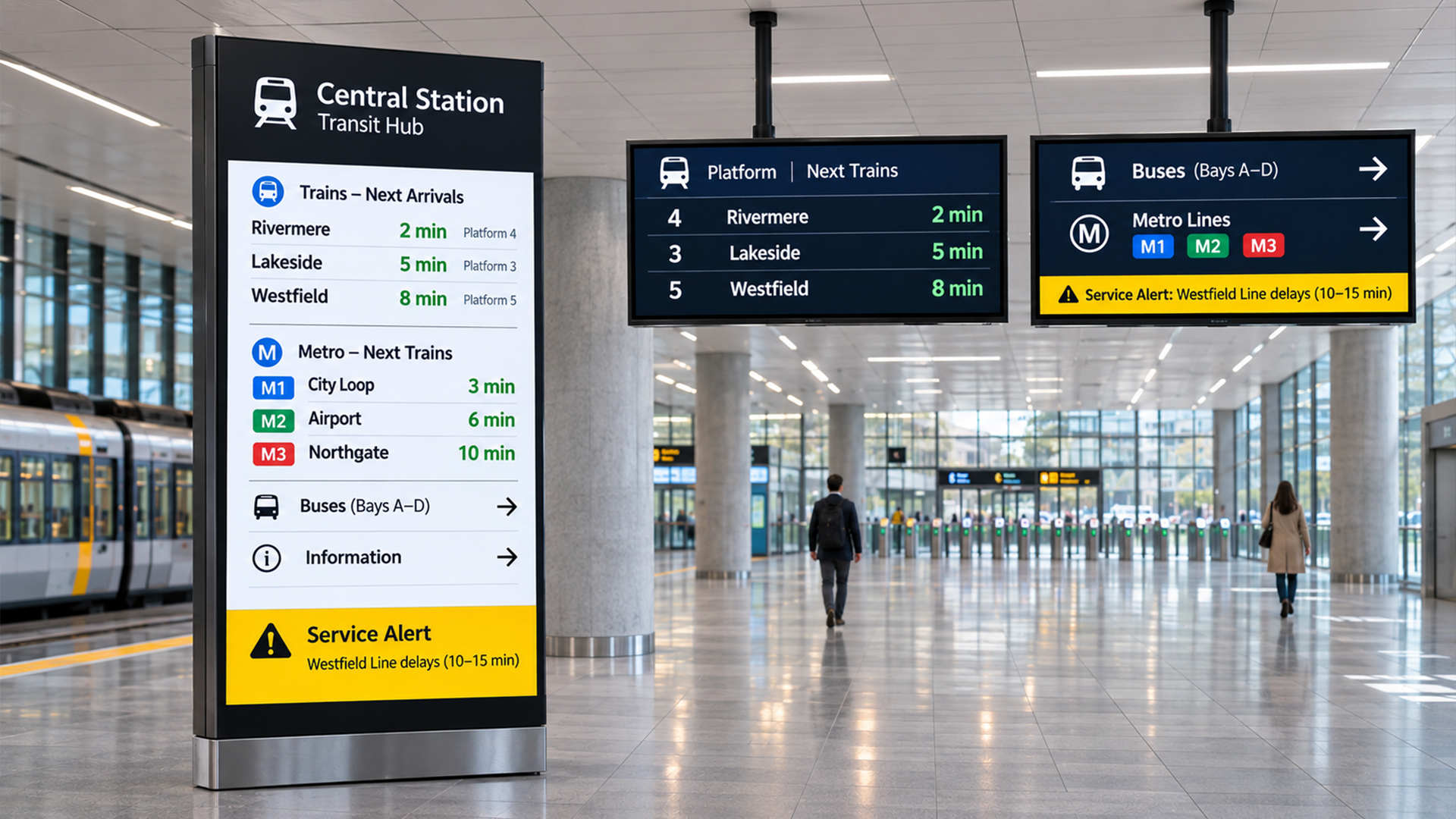
Digital signage has three moving parts. There's the hardware: the screens and the media players connected to them. There’s the content, which could be a promo video, a daily menu, or a live wait-time update. And there’s the CMS, which ties the two together. Without it, you're left with expensive TVs playing whatever was last plugged into them.
Most modern platforms are cloud-based. You log in through a browser, make changes, and the screens update automatically. No site visits, no USB drives, no waiting.
How a Digital Signage CMS Works
The workflow is simpler than most people expect.
You start by uploading or designing your content: images, videos, PDFs, web pages, live feeds. Then you arrange that content into playlists and decide when each one should play. Next, you assign those playlists to a single screen or a whole group of screens. A small media player attached to each display connects to the internet, picks up the latest content from the CMS, and plays it. Most players also store content locally, so if the Wi-Fi drops, the screen keeps running instead of going black.
That’s the loop: create, schedule, assign, publish. The CMS does the heavy lifting in between.
Why Businesses Need One
You can get by without a proper CMS when you have two or three screens. It gets painful fast after that.
Speed breaks first. When every update requires a manual step, changes lag behind reality, and customers see outdated prices or expired offers. Consistency goes next. When different locations manage their own screens, brand messaging drifts, and nobody notices until a customer does.
Then there’s cost. Printing posters, shipping materials, and sending people to sites just to swap a file all add up. A CMS takes most of that away. It also gives you control: you decide who can change what, what plays where, and when.
Finally, there’s visibility. Good digital signage software tells you which screens are running, which are offline, and what’s been playing. That’s hard to get any other way.
Key Features to Look for in a Digital Signage CMS
Not every platform does the same things, and a long feature list means little if the basics are clumsy. Here’s what’s actually worth checking.
1. An Interface People Can Actually Use
This one sounds obvious, but many platforms fall short here. If your marketing intern needs a training session to schedule a banner, the tool is working against you.
Look for a clean dashboard, drag-and-drop uploads, and a clear way to preview content before it goes live. The people updating your screens are rarely technical, so the CMS shouldn’t require them to be. Ask for a demo and try a few everyday tasks yourself before committing.
2. Cloud-Based Remote Management
A cloud-based digital signage CMS lets you manage every screen from one login, wherever you are. You can push a change to a store in another city from your desk or fix a mistake on your phone during an event.
On-premise systems still exist, but they usually mean more IT work, slower updates, and extra maintenance. For most businesses, especially those with multiple locations, cloud-based is the practical choice.
3. Flexible Scheduling and Playlists
Your screens shouldn’t play the same loop all day. A restaurant needs breakfast menus in the morning and dinner specials in the evening. A hospital might show visiting hours during the day and different information at night.
A good CMS lets you schedule content by time of day, day of the week, or specific date ranges, and set start and end dates so expired promotions disappear on their own. Playlists keep everything organized, and setting priority content, such as an urgent announcement, is a real bonus.
4. Multi-Screen and Multi-Location Control
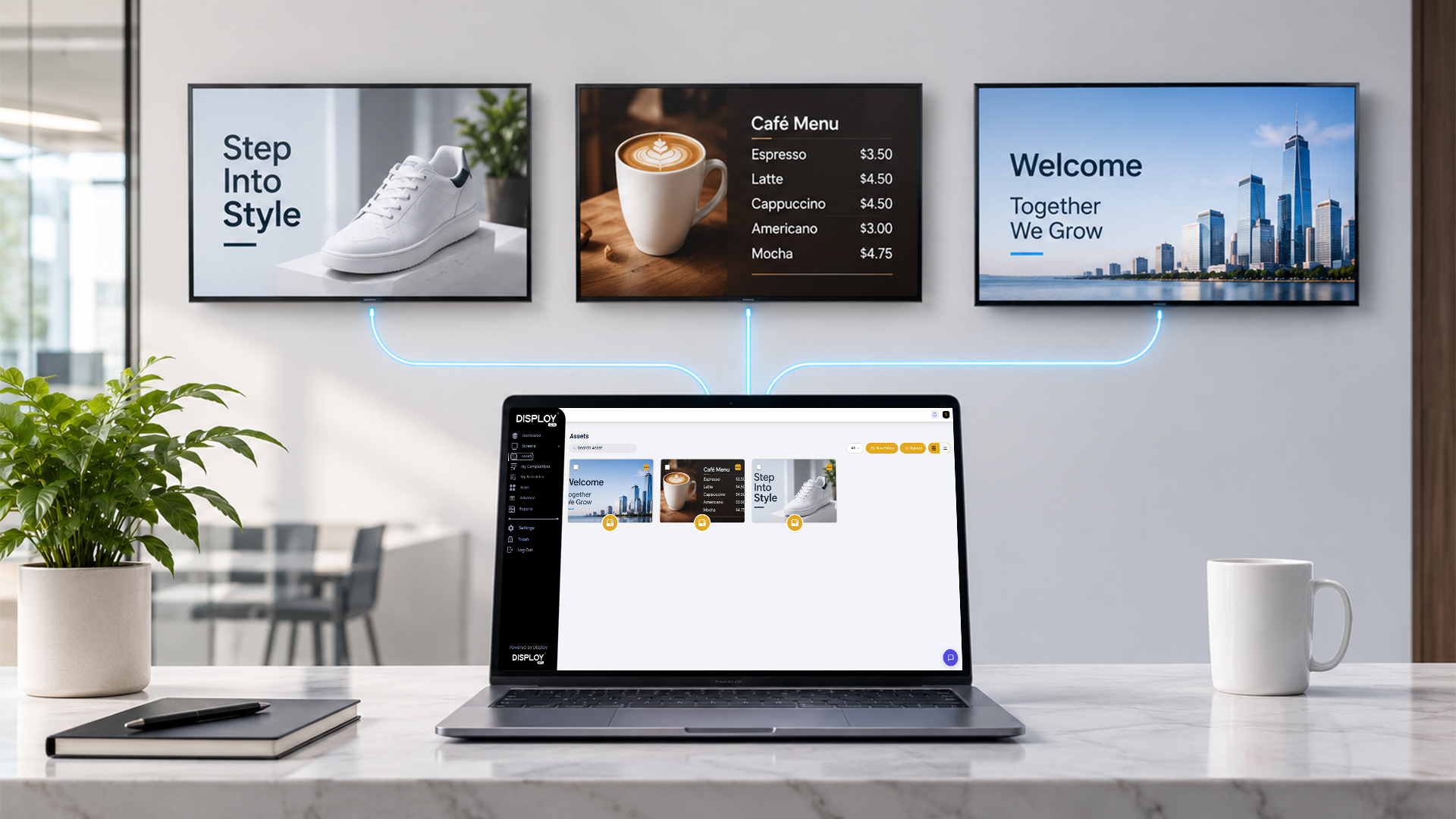
Managing one screen and managing two hundred are very different jobs. Look for features that let you group screens by location, region, or purpose, and then push content to a group in one go.
You should also be able to target individual screens when you need to. Maybe the downtown store gets a unique offer, or the waiting-room display needs different content from the reception one. Strong grouping tools save hours every week once your network grows.
5. Templates and Built-In Design Tools
Not every business has a designer on call. Built-in templates and simple editing tools let your team put together menus, promos, announcements, and welcome screens without leaving the platform.
Check that the templates look modern and not like something from 2009, and that you can customize fonts, colors, and logos to match your brand. Zones are useful too. They let you split one screen into sections, say a video on the left, a news ticker at the bottom, and the time in a corner.
6. Support for Different Content Types
Your content will probably go beyond static images. Videos, PDFs, presentations, web pages, social media feeds, weather, news, and live data can all make screens more useful.
A flexible CMS handles all of this without a fuss. It also lets you connect to the tools your business already uses. A restaurant might want its menu to update automatically from a spreadsheet. A bank might want live exchange rates. The more content types the platform supports, the more you can do with your screens later on.
7. User Roles and Permissions
When multiple people access the same system, you need guardrails. Otherwise, one wrong click from someone in a branch office can put the wrong content on every screen.
Look for role-based access so you can decide who creates content, who approves it, and who only gets to view reports. An approval workflow is especially helpful for larger teams or brands with strict messaging rules. It keeps things moving without handing everyone the keys.
8. Real-Time Monitoring and Alerts
Screens go offline. Players freeze. Cables get unplugged. What matters is how quickly you find out.
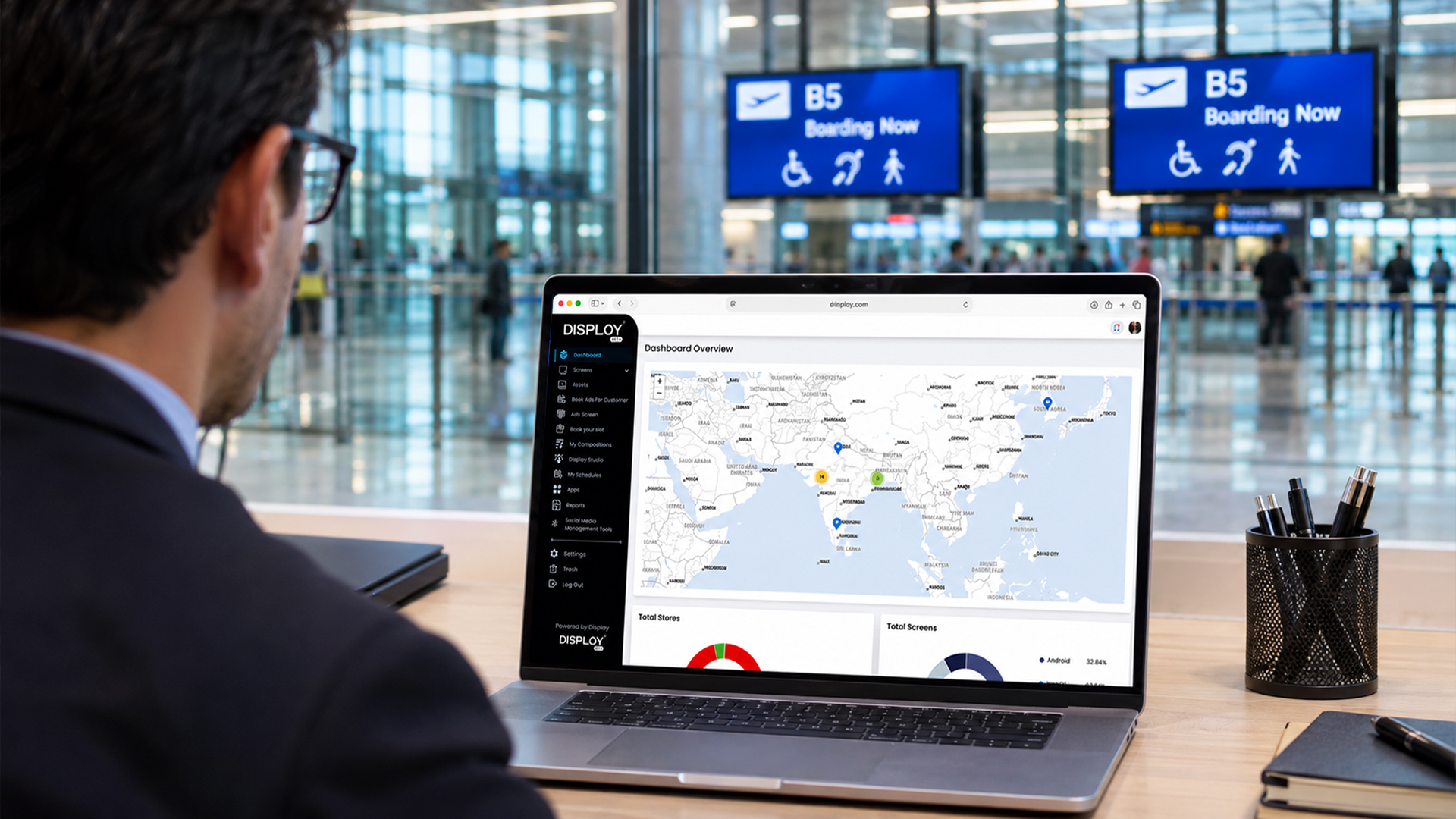
A good digital signage CMS shows the live status of every device and sends alerts when something stops working. Some platforms also let you restart or troubleshoot remotely from the dashboard. If you manage screens across multiple sites, this one feature can save you countless trips and a lot of embarrassment.
9. Hardware Compatibility and Security
Before you pick software, check what it runs on. Some platforms work with a wide range of devices, including Android players, Windows, Raspberry Pi, and smart displays. Others lock you into specific hardware. Flexibility here helps you avoid replacing equipment you already own.
Security matters just as much. Look for secure logins, encrypted data, and regular updates. Your screens connect to the internet, and the CMS is their front door. Ask the vendor how they protect it, and don’t settle for a vague answer.
A Few Things to Keep in Mind When Choosing
Features are only part of the picture. Before you decide, think about a few other things.
Scalability: You might start with five screens, but where will you be in two years? Pick a platform that grows with you without forcing a complete migration.
Support: Screens don’t break on a convenient schedule. Find out what customer support is available, how fast they respond, and whether they help with onboarding.
Pricing: Look beyond the headline number. Ask what’s included, whether prices are per screen or per user, and if any features cost extra later.
Reporting: If you want to know what played, when, and on which screen, check for proof-of-play reports and basic analytics. They’re useful for audits and for showing advertisers or stakeholders that content actually ran.
And always try before you buy. A free trial or live demo tells you more than any brochure.
Conclusion
A digital signage CMS isn’t something people get excited about, but it decides whether your screens help your business or become one more thing to manage. The right platform makes updates quick, keeps your messaging consistent, and gives you peace of mind that every screen is showing what it should.
When you’re comparing options, start with the basics: ease of use, cloud access, scheduling, multi-location control, and reliable monitoring. Everything else is a bonus.
If you’re looking for a cloud-based digital signage platform that lets you manage all your screens from one place, Disploy is built for exactly that. You can update content across locations in minutes, and you never have to visit a store just to change a screen. See what it can do for your business.